© 2026 Genie Projects World. All Rights Reserved.
Explore how to build a simple Toy Store Management System using PHP! A perfect starter project to learn essential functionalities like product catalogs, user accounts, and shopping carts.
The Online Toy Store Management System allows customers to browse and purchase exclusive toys and sporting equipment for children. Users can create an account, search for products based on their requirements, and explore the extensive database of items. Registered users have the option to add desired products to their shopping cart and save them for future purchases. The application supports flexible quantity selection, provided it remains within the available inventory. Additionally, a soft delete feature is implemented to manage product removal, ensuring data integrity and easy restoration if needed.

📂 Based on the open-source Online Toy Store project available on GitHub.
🙌 Credits to GitHub user: Anand-krishnakumar for the original concept and code structure.
🔗 Original repository: GitHub – Anand-krishnakumar/Online-Toy-Store-master
🛠️ Adapted and refined by our team for academic learning purposes, with minor usability and structure adjustments.


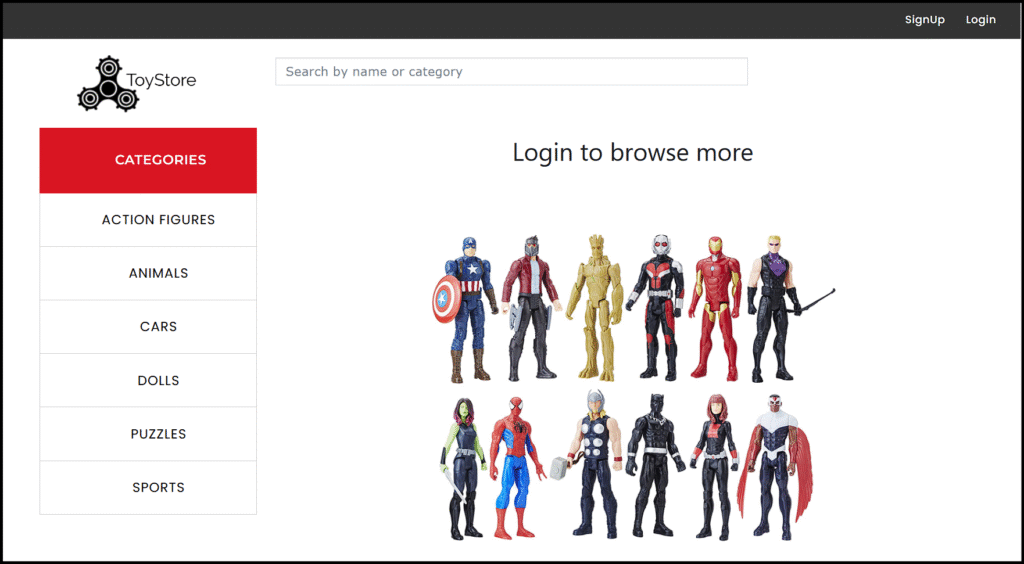
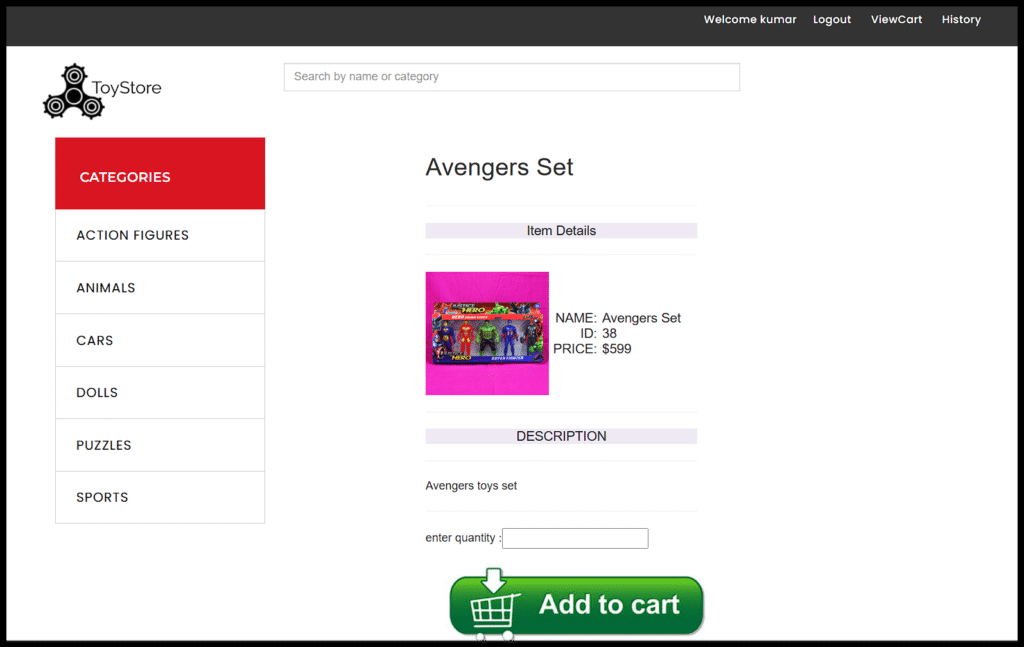
Product Search: The website provides options to search for products using the product name or category name.
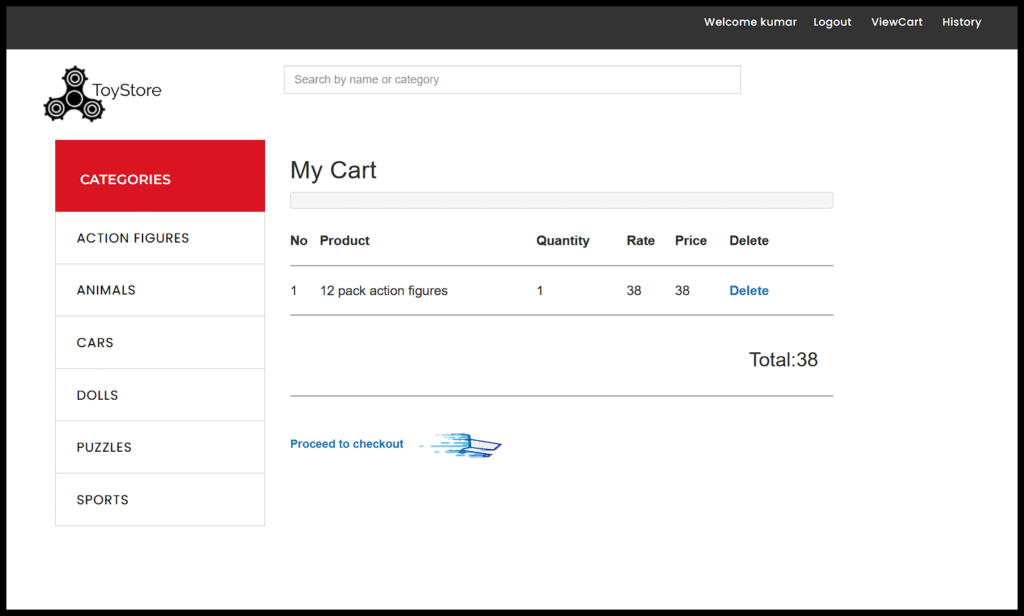
Add to Cart: The website allows registered users to add any number of desired items within the stock.
Category Search: The customers can search based on the category name or the product name.
Product-Catalogue: Product title, Price and Product description is provided for each product and quantity needed.
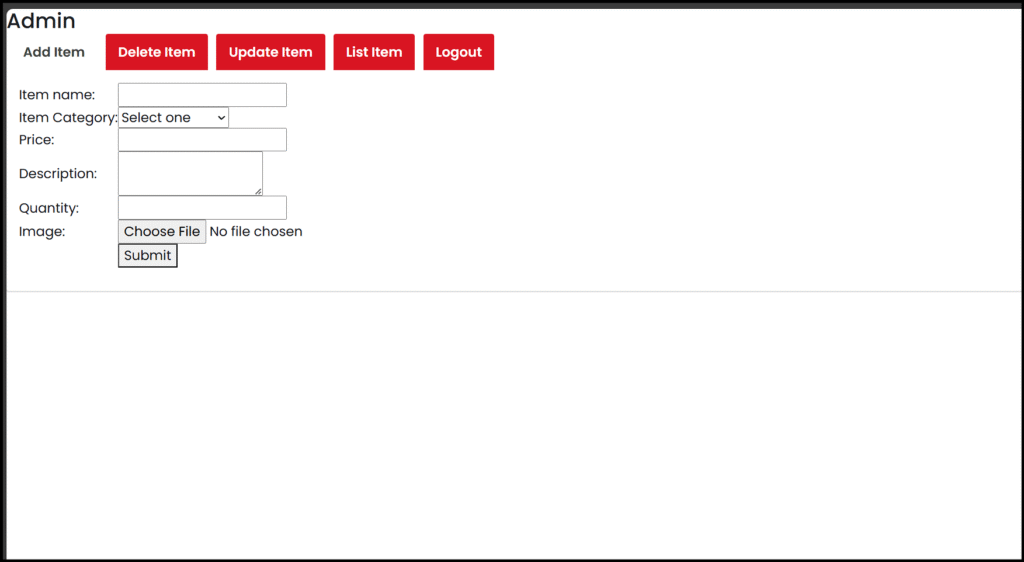
Admin-panel: The website provides an admin panel feature to perform master functions.
Programming Languages: JavaScript, PHP, HTML/CSS, jQuery.
Database server: XAMPP with MySQL, phpMyAdmin.
The client sends a service request to the application server through the webpage.
Web Server (WAMP/MAMP/XAMPP) accepts the request and processes it.
Application logic (PHP) will then access Data Access Layer to connect to Database and perform the desired operation.
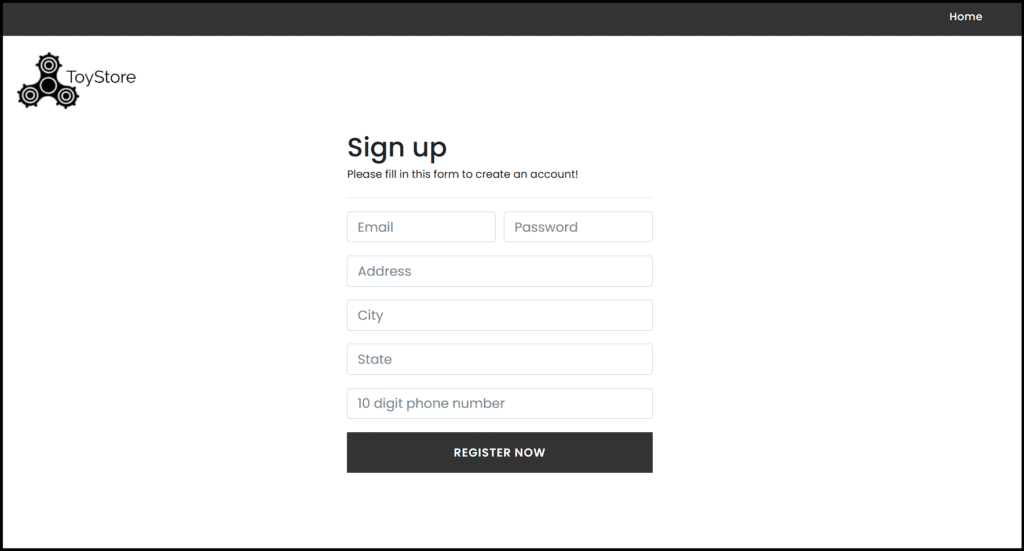
Create Account: Customers can create their account by providing their details like name, address, etc. Each customer will need to create a unique username and valid state and phone number.
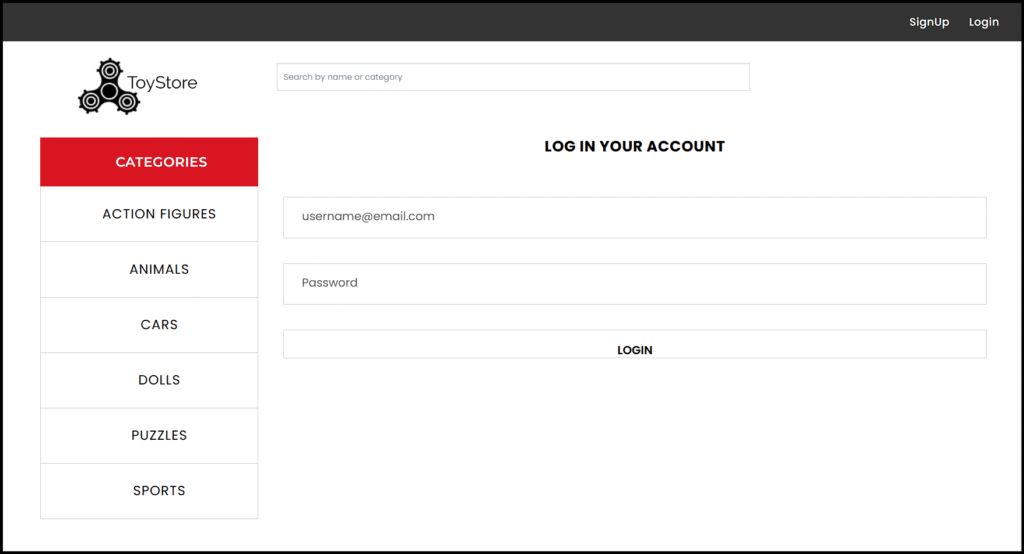
Login: Customers can access their account using their respective username and password. The passwords are hashed in the database.
Add/Update-Cart: Customer adds or updates their desired items to the shopping cart.
Admin: Add items, update inventory, Delete items.
History: Customer can view his purchase history.
In conclusion, the Online Toy Store project delivers a user-friendly platform for purchasing exclusive toys and sporting equipment for children. This project emphasizes data integrity with features like soft delete and secure account management through password hashing. Overall, this platform serves as a versatile solution, blending functionality and usability to enhance the online shopping experience.
Ready to play with code? Follow our easy setup steps to install and run the Toy Store Management System.
Love building creative systems? Explore more beginner-friendly PHP projects with free source codes and reports- from bakery billing to online book shops, only on Genie Projects World, made for curious students like you!
Genie Projects World helps students explore ready-to-run academic projects with full source code and tutorials.
Proudly made in 🇮🇳 with ❤️ for Students.
Educational use only – Licensing info available in Terms
Share Your Feedback