ABOUT PROJECT:
📍Project Name: 2048 Game Using JavaScript
🎀Author Credits: Gabriele Cirulli
📑Summary:
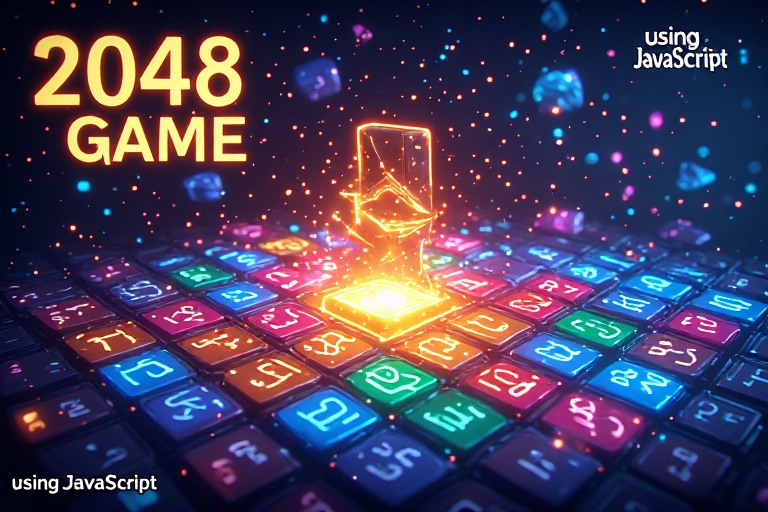
The 2048 Game using JavaScript is a popular and fun number-puzzle game where players merge tiles with the same value to reach the number 2048. In this project, you’ll learn how to develop the 2048 game from scratch using JavaScript, HTML, and CSS. Our comprehensive guide walks you through each step of the process, making it perfect for both beginners and intermediate coders looking to enhance their JavaScript skills.
This project not only improves your understanding of JavaScript concepts like event handling, DOM manipulation, and animations, but it also offers a hands-on approach to learning game logic and responsive design. You’ll get free source code download to help you build the project locally, making it easier to understand and customize.
By completing the 2048 Game using JavaScript project, you’ll boost your coding skills, learn how to implement grid-based puzzles, and create a fully functional, interactive game. Whether you’re working on academic projects or just looking for a fun coding challenge, this guide will help you every step of the way. 🥳🏆


Share Your Feedback