© 2026 Genie Projects World. All Rights Reserved.

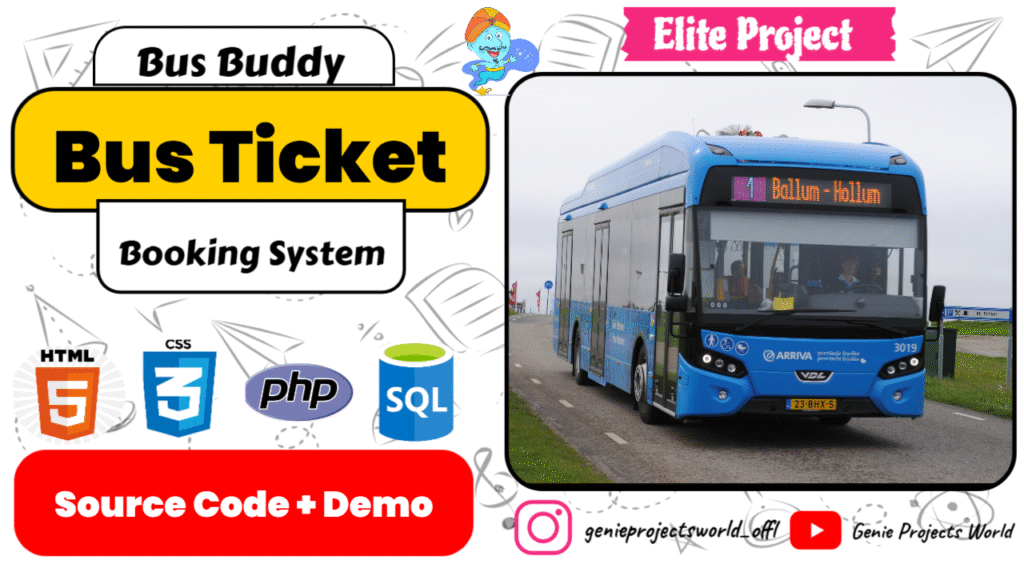
Complete your college project with our Bus Ticket Booking System in PHP! Perfect for students, it covers booking, schedules, and payments to help you build a professional-level project.
🗓️ Project Added: August 10, 2024
🔄 Last Updated: April 20, 2025
🎀Category: Elite Project
🔖Project Type: Web-Based Application
👤User Roles: Customer, Admin, Owner
📝Report Available: No
|
Table of Contents: Project Topics Covered
|
|---|
|
Version
|
Release Date
|
Key Updates & Enhancements
|
|---|---|---|
|
v2.0
|
23 October, 2026
|
Refined customer interface, improved booking and payment workflows, enhanced e-ticket generation and email delivery, expanded admin management features and upgraded sales reporting.
|
|
v1.0
|
August 10, 2024
|
Initial project release with core bus ticket booking functionality.
|
Bus Buddy – Online Bus Ticket Booking System is a web-based application developed using PHP and MySQL that demonstrates how an online bus reservation platform can manage passenger bookings and related administrative operations.
The application provides a customer portal for exploring bus schedules, making ticket reservations, managing account information, checking booking statuses, and accessing electronic tickets. Its administrative interface supports the management of buses, routes, schedules, customer accounts, bookings, payment information, and sales reports. Beyond its practical application, Bus Buddy serves as a learning resource for students and aspiring developers interested in understanding how database-driven web applications are structured, developed, and maintained using PHP and MySQL.
Bus travel remains an important mode of transportation for daily commuters, students, families, and long-distance travellers. Managing journey information and reservations can become challenging when passengers must rely on fragmented information or manual booking processes, while bus operators need an organized way to maintain schedules, passenger bookings, and sales records.
Bus Buddy addresses these challenges through the idea of a centralized, web-based bus reservation system. It demonstrates how a digital platform can bring essential booking operations and administrative activities together, making travel-related information easier to manage and reservation workflows more organized. For passengers, an application of this kind can simplify access to bus schedules, booking information, and electronic tickets. For bus operators and administrators, it provides a structured approach to maintaining route and schedule information, managing reservations, reviewing payment records, and monitoring ticket sales.
The project provides a foundation for understanding how web technologies can be applied to a familiar, real-world transportation scenario. Its practical value lies in demonstrating a digital approach to reservation management that can be studied, evaluated, and extended to meet additional operational requirements.
Real-World Relevance: Bus Buddy demonstrates how a digital reservation platform can help organize transportation booking activities. Its concepts can be adapted and expanded by developers exploring solutions for bus operators, travel agencies, and other reservation-based services.
Bus Buddy brings customer-facing reservation services and administrative operations together in one web-based application. Its key features focus on making booking information accessible, organizing reservation records, and supporting the day-to-day management of a bus booking system.
Explore bus routes and schedule information through a centralized booking interface. This capability provides passengers with a convenient starting point for finding relevant journey information before proceeding with a reservation.
The application connects the reservation process with electronic ticket generation, providing a digital way to access booking details. Its e-ticket workflow also supports viewing and printing tickets, helping reduce reliance on manually maintained ticket records.
Customer accounts provide a personalized environment for maintaining profile information and accessing reservation-related records. The application also includes profile photograph management and account-related workflows.
Bus Buddy brings booking records and payment-related information into the reservation management process. Its payment workflow supports the submission of payment proof for manual verification where applicable, helping administrators review payment information associated with bookings.
Integrated email workflows support important customer interactions, including registration, password recovery, and e-ticket delivery. These capabilities demonstrate how email can connect a web application with communication processes beyond the browser interface.
The administrative side provides a common workspace for maintaining transportation and customer records. Bringing these records together helps organize the information needed to oversee the application’s reservation operations.
Reporting capabilities help administrators examine ticket sales information over monthly periods or selected date ranges. This provides a more organized way to review recorded sales activity and examine performance across different reporting periods.
Bus Buddy organizes its application workflows around customer activities and administrative responsibilities. Each interface provides access to the operations relevant to its intended user.
The customer portal allows registered users to access booking services and manage their account-related information.
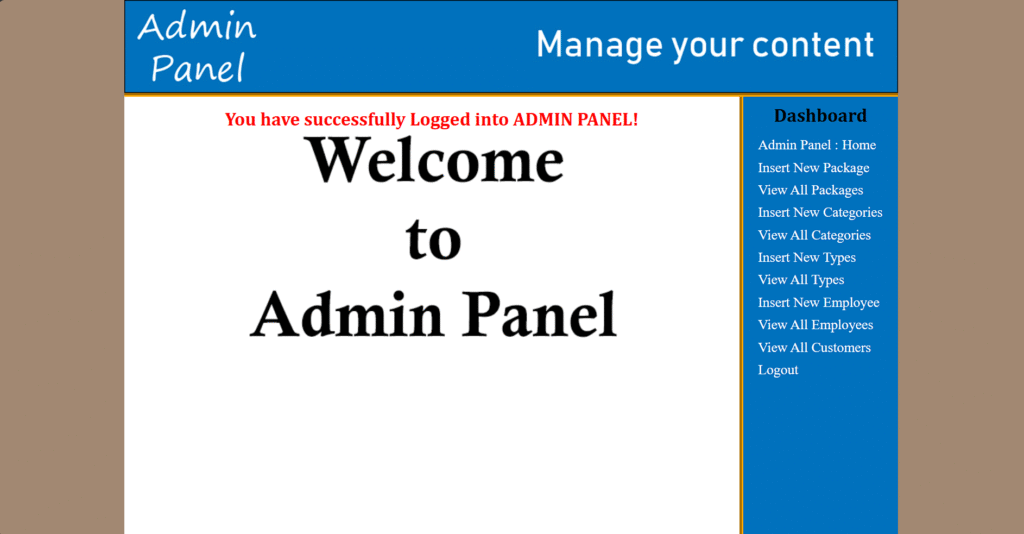
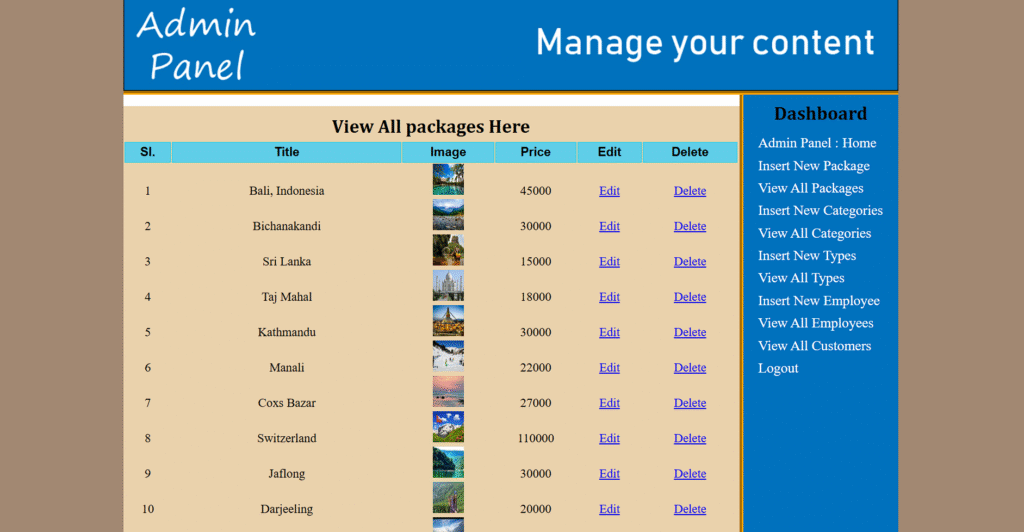
The admin panel provides management tools for maintaining application records and overseeing booking-related operations.
The Owner Panel provides a centralized dashboard for overseeing bus booking operations and accessing additional administrative management tools. Alongside the shared transportation and reservation interfaces, it includes options for managing bank records, generating sales reports, and overseeing user accounts.

So, let’s talk about this new Bus Ticket Booking System and why it’s pretty awesome compared to the old way of doing things.
So, let’s look about the technologies we’re using here. Let’s start with frontend side first,
We’ve got HTML, which is pretty much the backbone of any website.
Then there’s CSS, which helps us make things look nice and pretty.
Oh, and don’t forget JavaScript! That’s what makes everything interactive – you know, like those cool dropdown menus and fancy animations.
For styling, we’re using Bootstrap, which is super helpful for creating responsive designs without too much hassle.
JQuery is also in the mix for some handy JavaScript shortcuts that make things easier.
On the backend side of things, we’ve got PHP doing the heavy lifting, managing all the server-side stuff. And for storing our data, MySQL is our go-to database. It’s reliable and works well with PHP.
So, that’s the tech stack we’re working with!
BACKEND: PHP (v7.4, 7.5), MySQL 7.4.33+
FRONTEND: HTML, CSS, JavaScript
WEB SERVER: Apache 2.4.54+
DATABASE: MySQL 7.4.33+
DEVELOPMENT TOOLS: VS code, Notepad++, XAMMP
Follow our beginner-friendly steps to install and run the Bus Ticket Booking System using PHP and MySQL. Perfect for students—no complex setup, just a smooth walkthrough to see your project live in action!
🔥Ready to build your own simple Bus Ticket Booking System? Download this complete source code for free and start learning by doing!
Explore more beginner-friendly PHP projects with free source code! From billing systems to management apps, there’s something for every curious coder at Genie Projects World.


Genie Projects World helps students explore ready-to-run academic projects with full source code and tutorials.
Proudly made in 🇮🇳 with ❤️ for Students.
Educational use only – Licensing info available in Terms