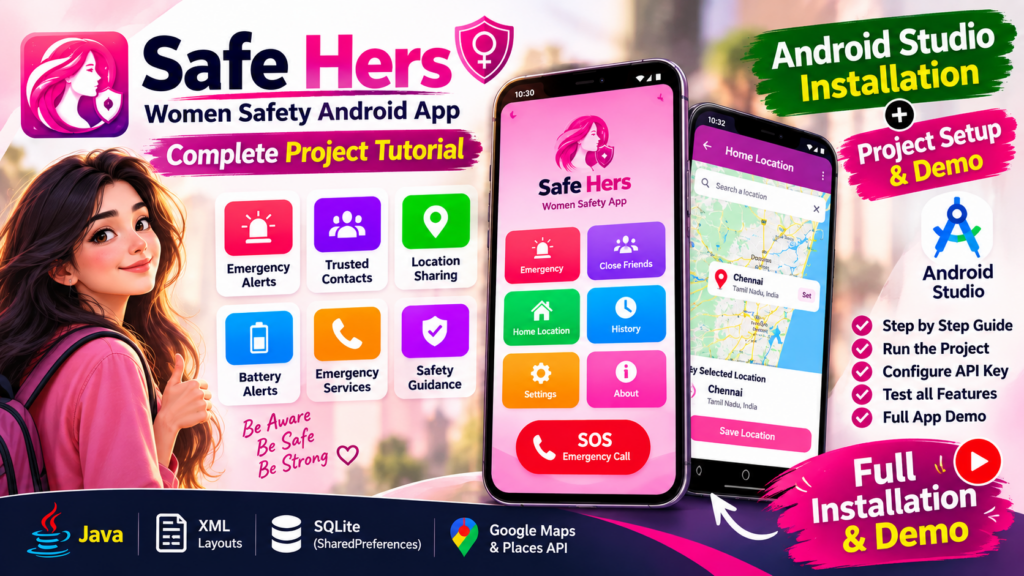
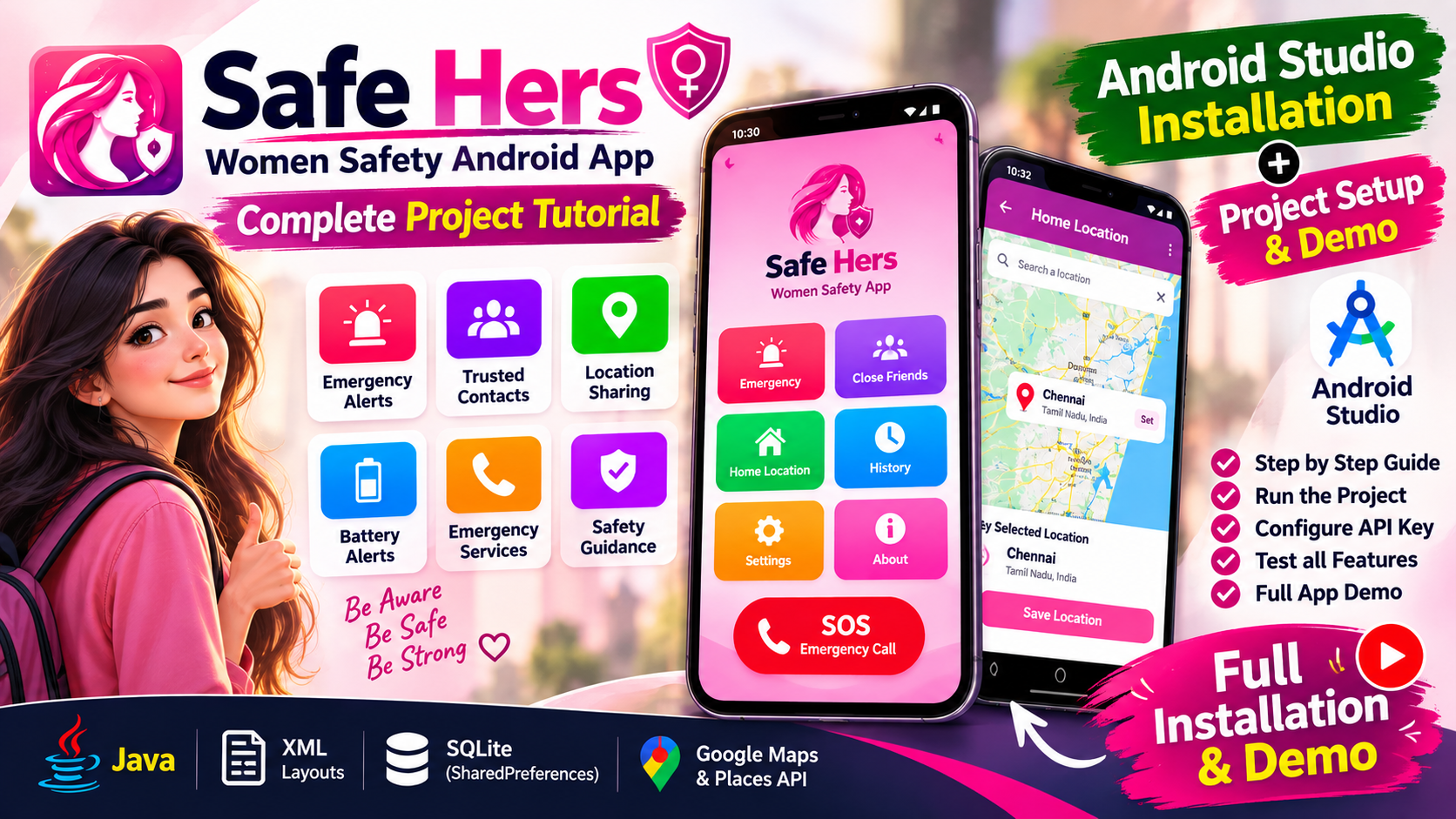
Safe Hers - Women Safety Android App using Java

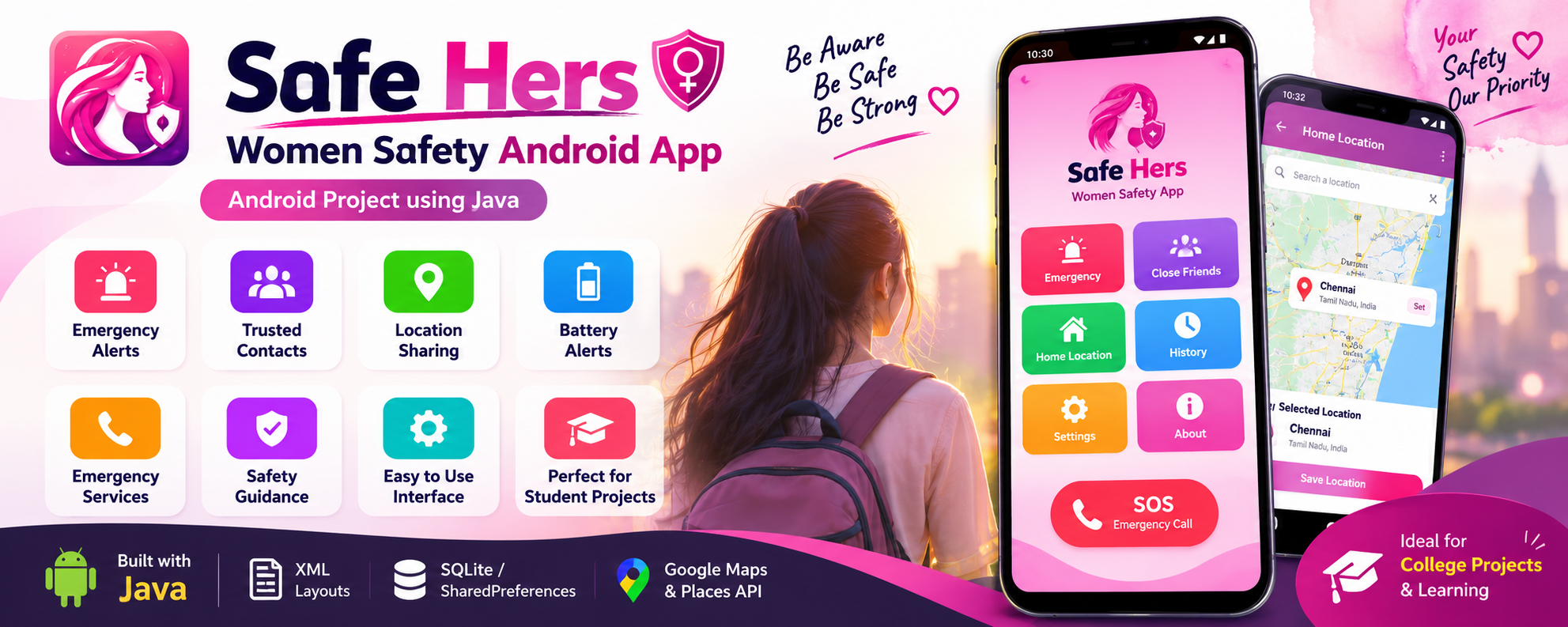
Safe Hers – Women Safety Android App using Java is a practical women safety mini project developed by Genie Projects World. Explore emergency alerts, trusted contacts, location sharing, battery alerts, emergency services, safety guidance, and Android development concepts using Java, XML, SQLite, and Google location services. Ideal for students looking for an academic Android project with source code and practical learning.

♀️Safe Hers: Women Safety App using Java

🗓️ Project Added: September 27, 2026

🔄 Last Updated: October 10, 2026

🎀Category: Mini Project

📑Report Available: Yes

Safe Hers - Post Hero Banner

ABOUT PROJECT:

📍Project Summary:

Safe Hers is an Android-based women safety application created by Genie Projects World with a focus on quick emergency assistance and accessible safety features.

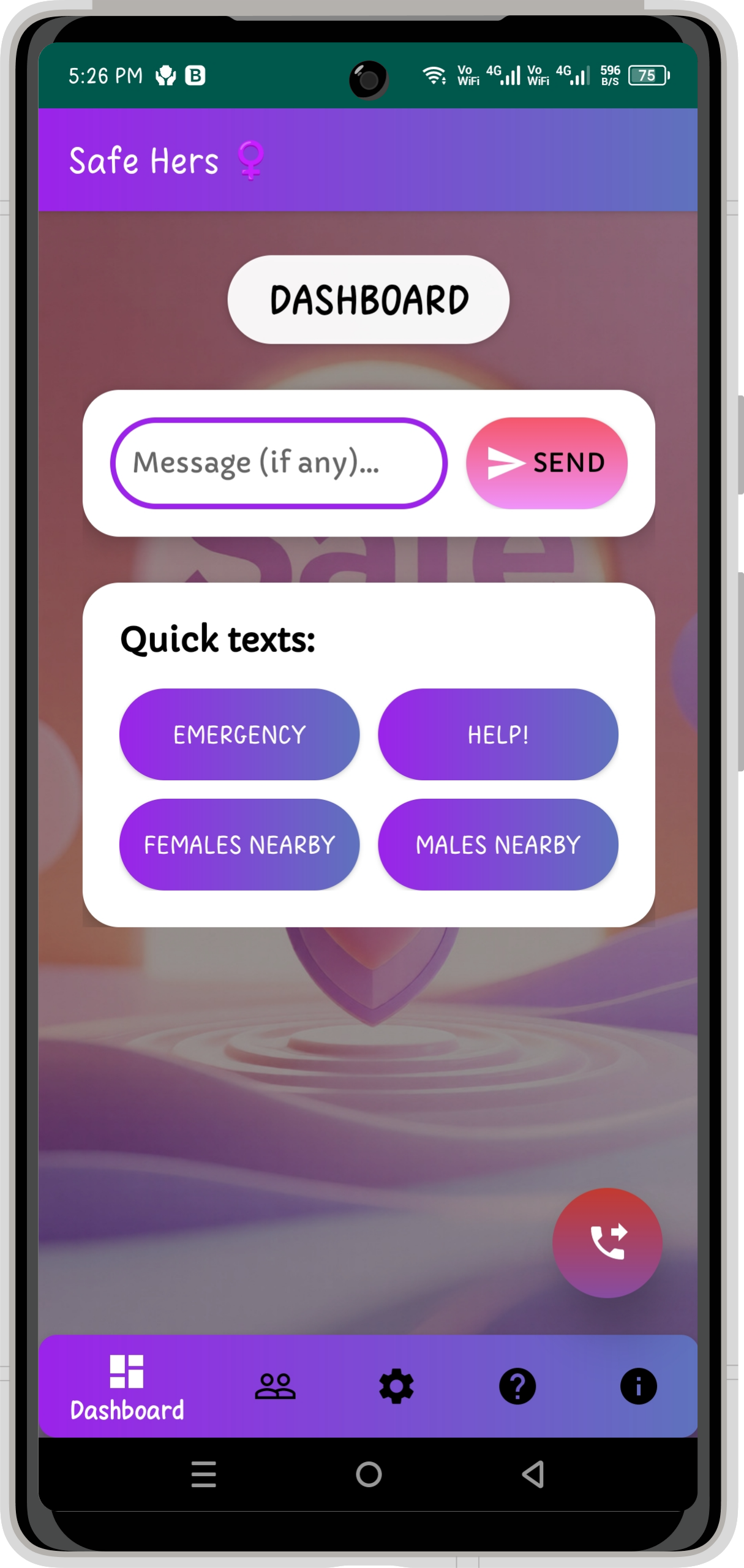
The application provides a central dashboard through which users can trigger emergency alerts, communicate with selected trusted contacts, share their location, access emergency services, and use additional safety tools.

Instead of filling the application with unnecessary complexity, Safe Hers focuses on a small set of practical features that can be accessed quickly when needed. Its interface is designed around straightforward navigation and minimal interaction, making the important functions easier to reach during stressful situations.

The application includes dedicated modules for the Emergency Dashboard, Close Friends, Settings, Emergency Dial and Safety Guide.

📜 Credits & Licensing:

  • 🏆 Created In-House – Fully developed by Genie Projects World.

  • ⚖️ Licensed under CC BY-NC-ND 4.0 – free for personal use, no resale, redistribution, or modifications without permission.

  • 🎓 Designed as a hands-on learning project, helping students explore real-world Android development through a meaningful application.

📸Project Screenshots:

Explore the Safe Hers application interface, including its emergency dashboard, trusted contacts, safety settings, emergency dial and safety guide.

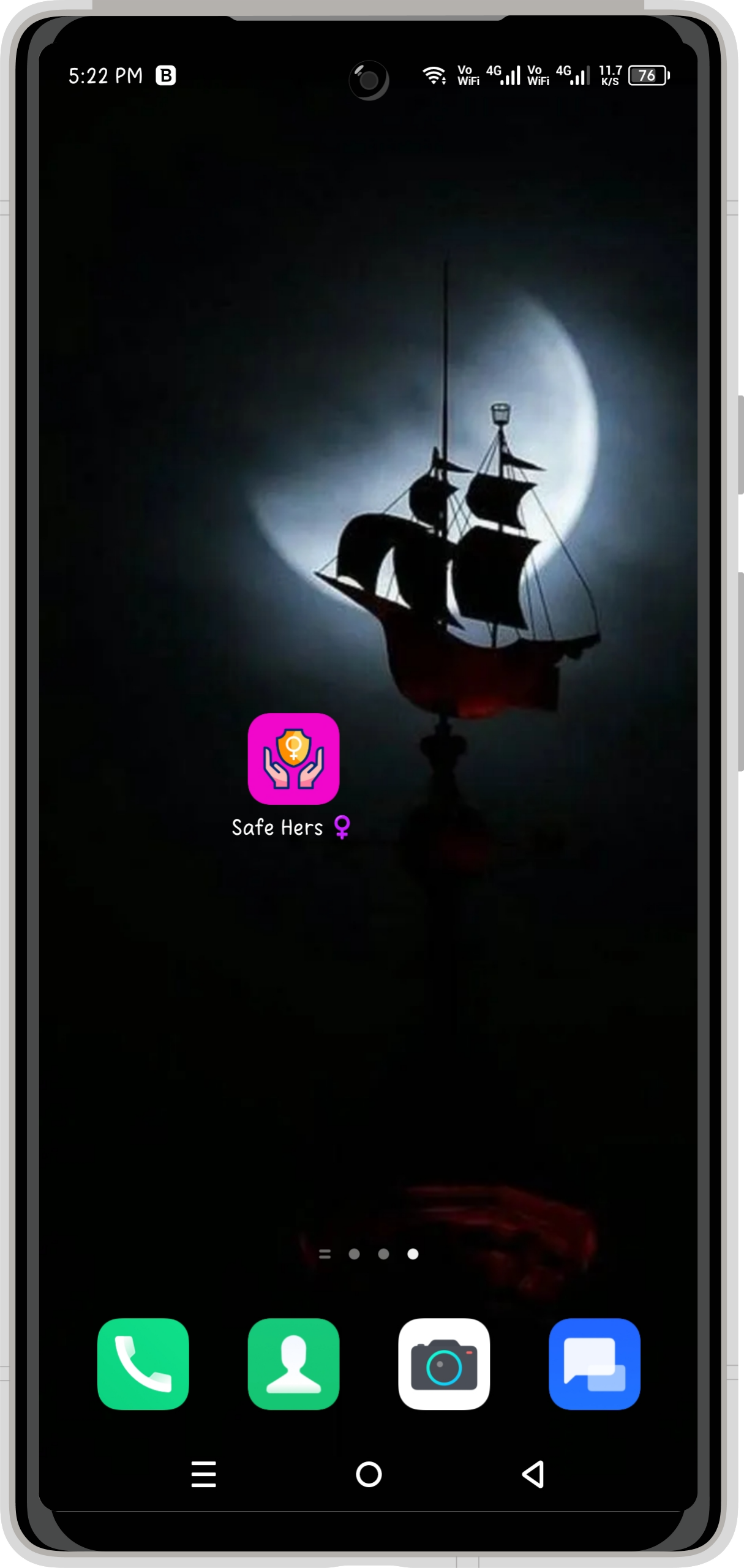
Safe Hers - App Logo Screen
1. Safe Hers - App Logo Screen
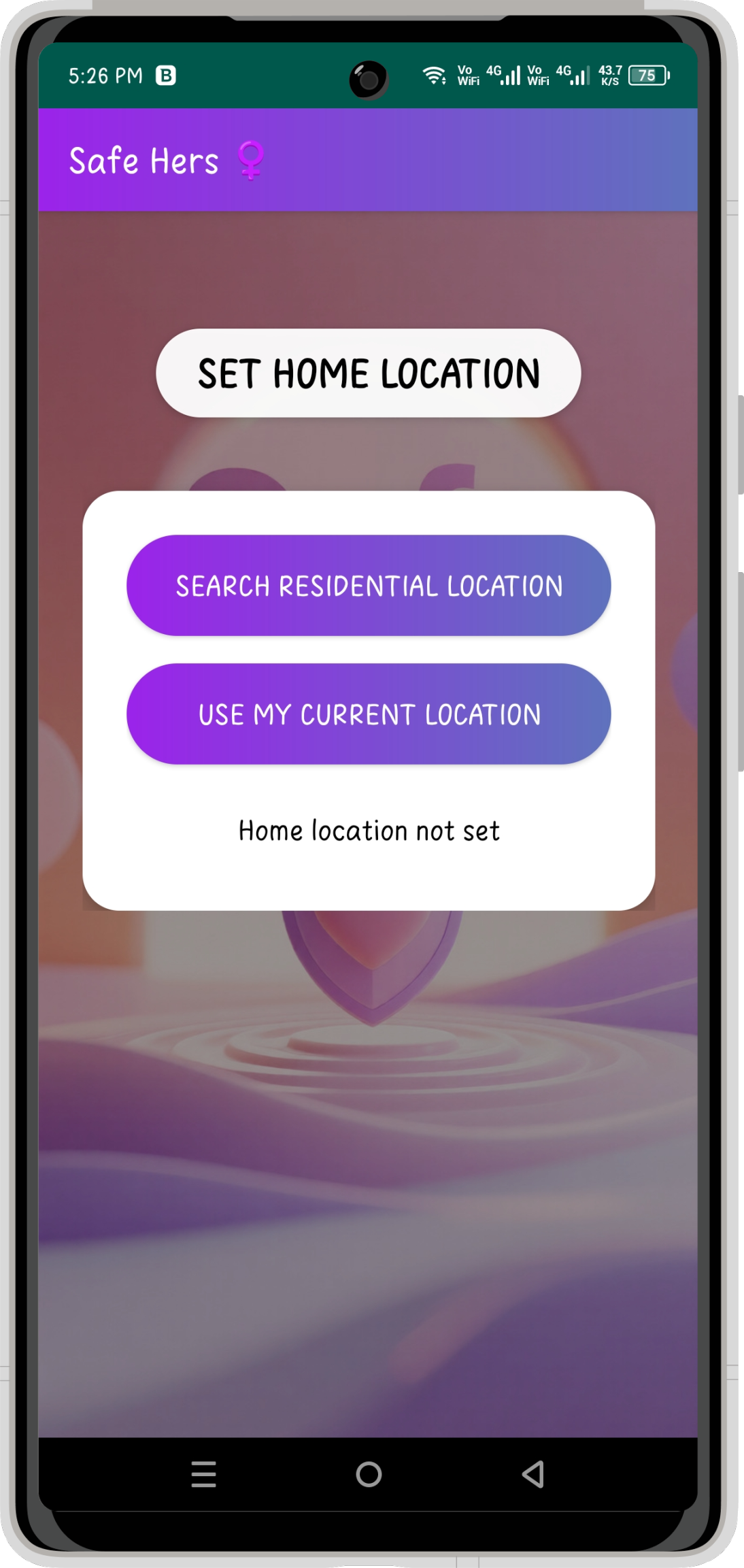
Safe Hers - Set Home Location Screen
2. Safe Hers - Set Home Location Screen
Safe Hers - Dashboard Screen
3. Safe Hers - Dashboard Screen
Safe Hers - Add Close Friends Screen
4. Safe Hers - Add Close Friends Screen
Safe Hers - Settings Screen
5. Safe Hers - Settings Screen
Safe Hers - Usage Guide Screen
6. Safe Hers - Usage Guide Screen
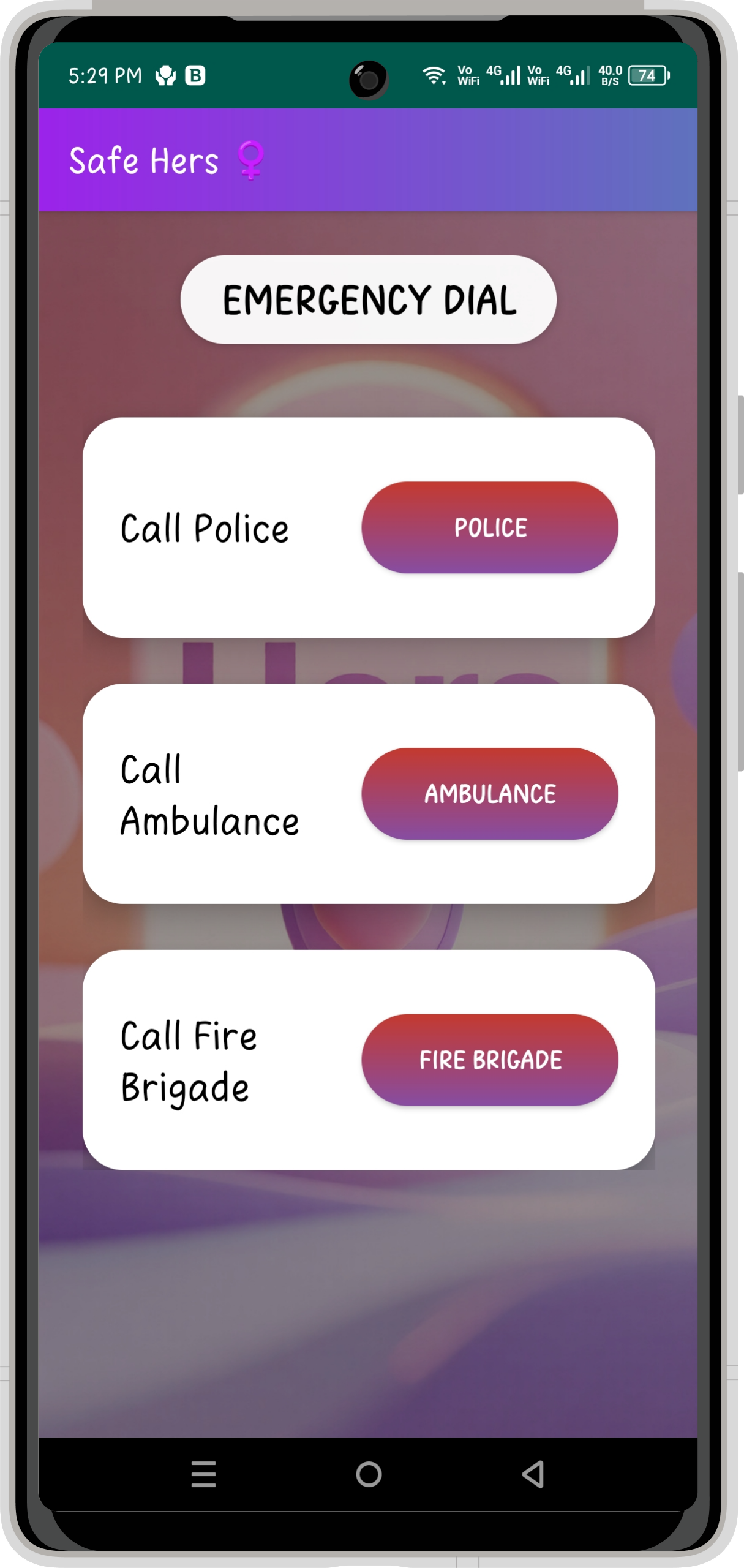
Safe Hers - Emergency Dial Screen
7. Safe Hers - Emergency Dial Screen
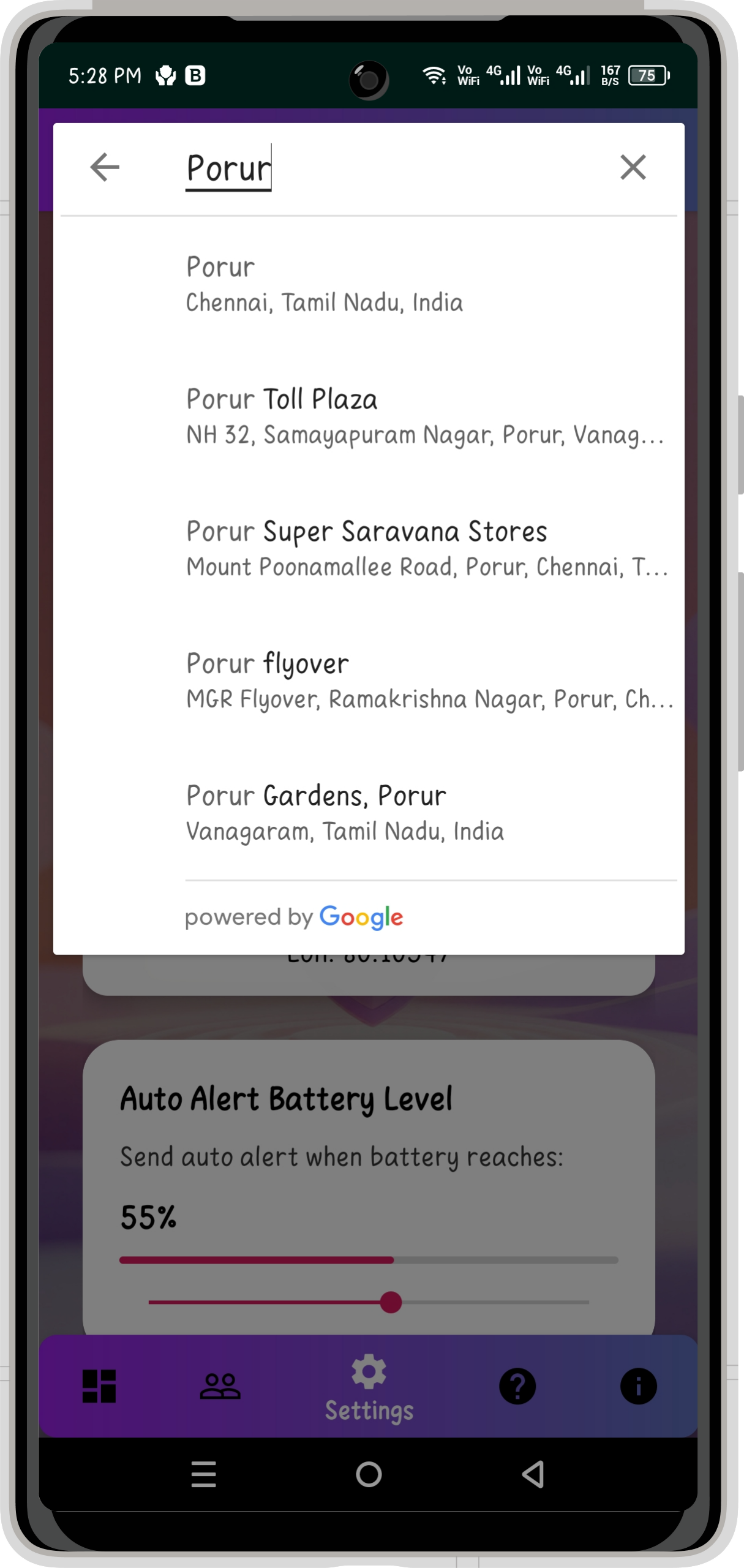
Safe Hers - Location Search Screen
8. Safe Hers - Location Search Screen
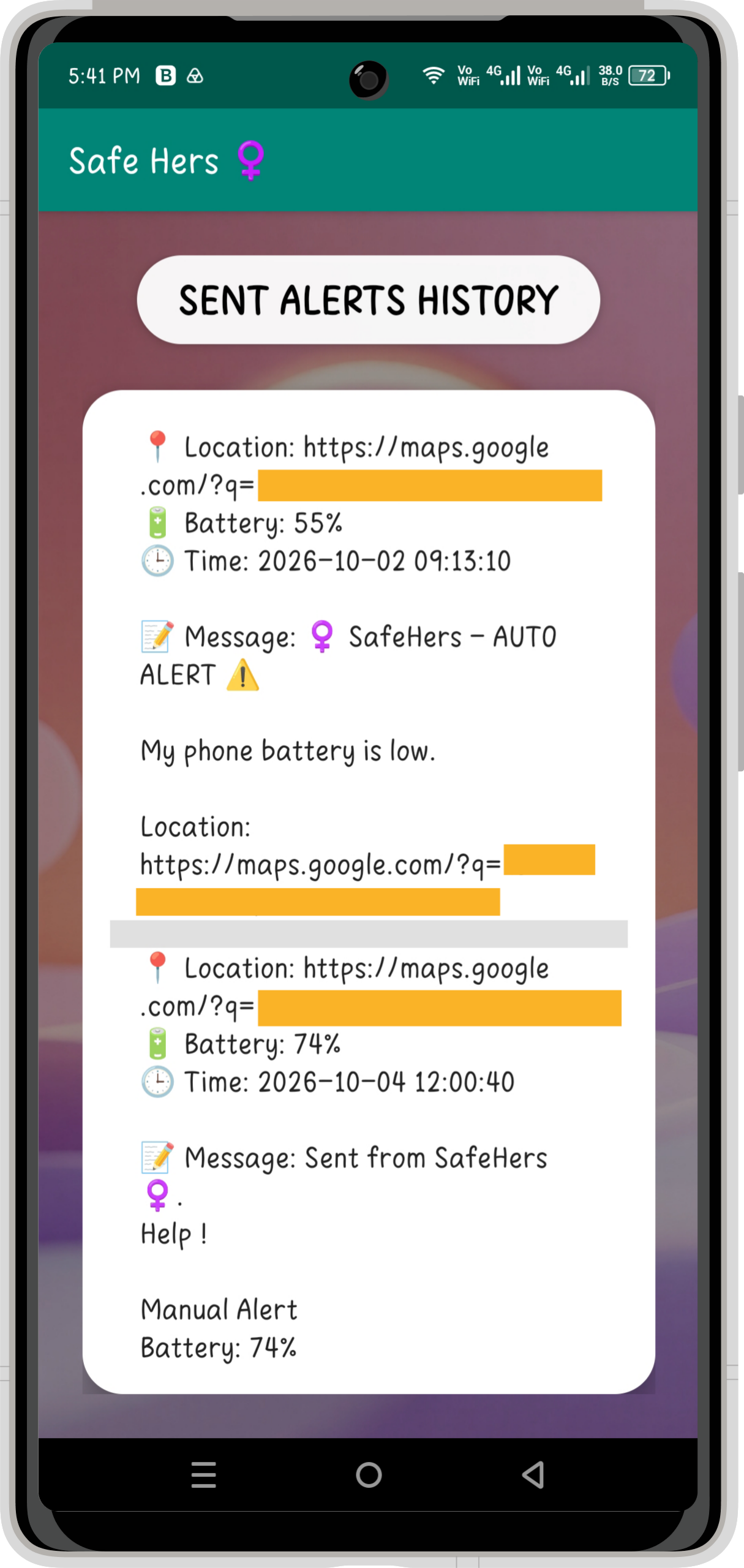
Safe Hers - Alerts History Screen
9. Safe Hers - Alerts History Screen
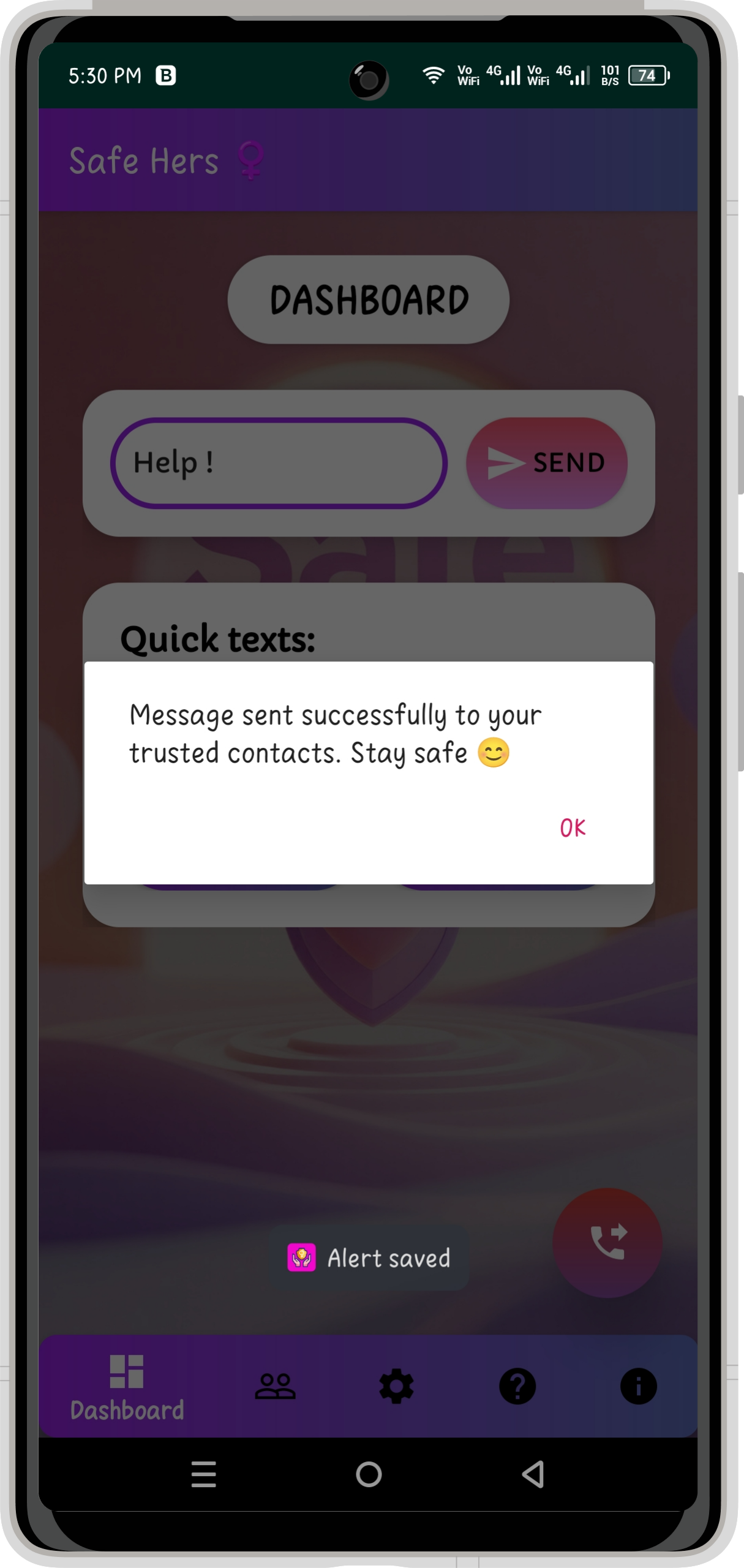
Safe Hers - Message Success Notification
10. Safe Hers - Message Success Notification
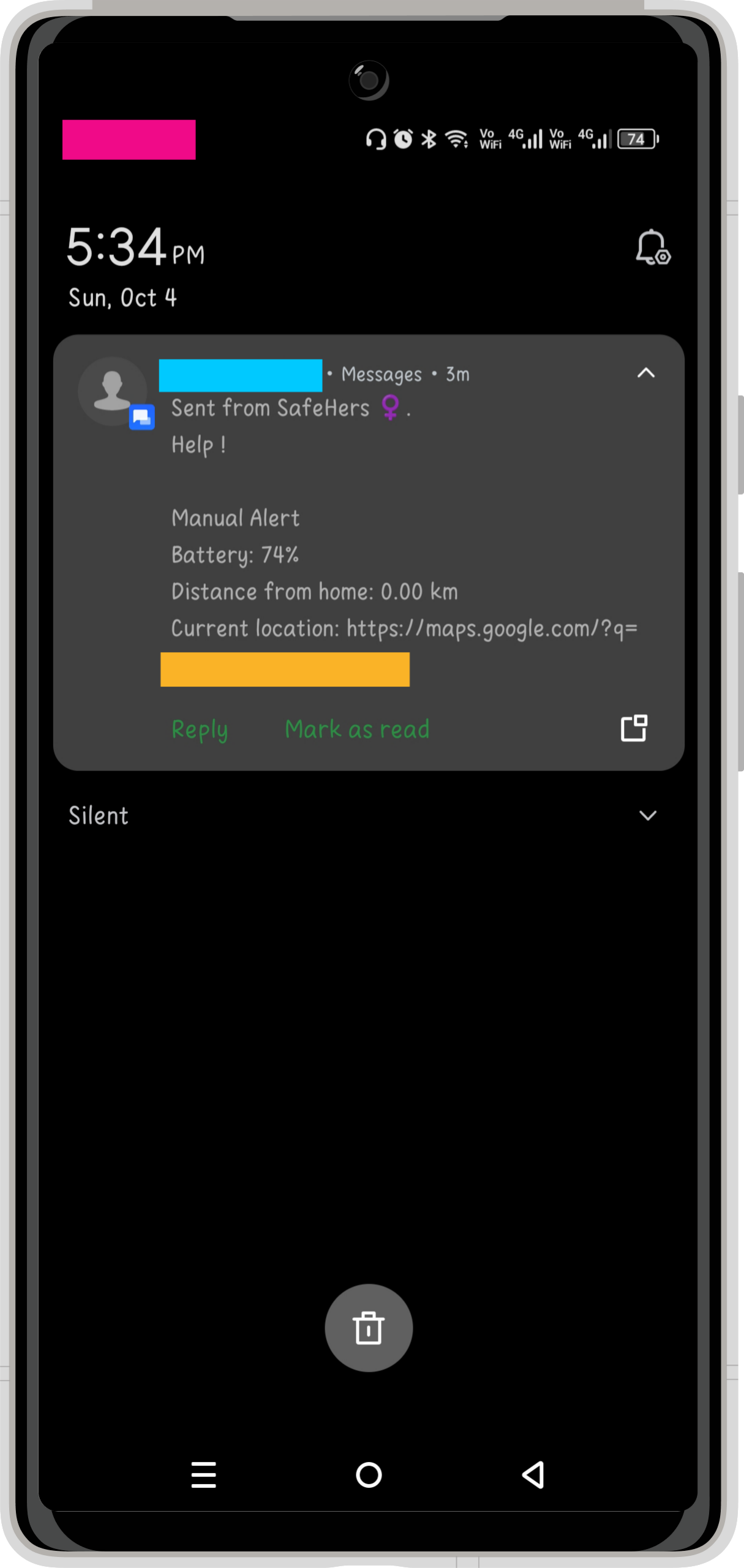
Safe Hers - Alert Text Message Notification
11. Safe Hers - Alert Text Message Notification
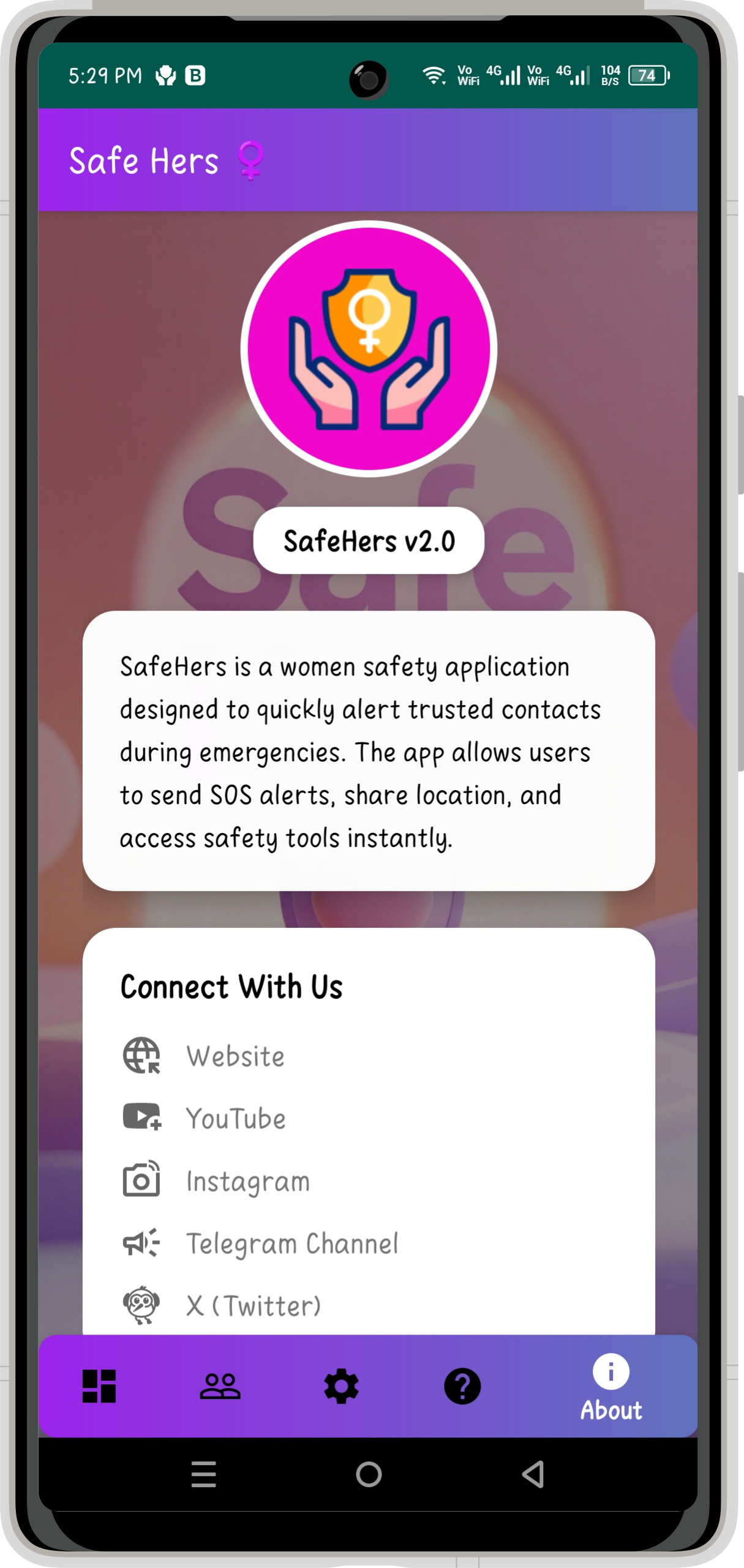
Safe Hers - About Screen
12. Safe Hers - About Screen

📒INTRODUCTION:

Personal safety can require immediate action, especially when someone is traveling alone or facing an unexpected emergency. Smartphones already provide communication and location capabilities, but accessing the right tools quickly can still be challenging during stressful situations.

Safe Hers was developed by Genie Projects World as a focused Android application that brings essential safety functions together in one place.

The application is designed around speed, accessibility, and simple interaction. From the main dashboard, users can trigger an emergency alert, while trusted contacts can be configured to receive safety notifications. The application also provides location-sharing capabilities and direct access to emergency services.

Safe Hers is designed to provide a practical learning example for students interested in combining Android UI development, location services, emergency communication, local data storage, and device functionality within a single application.


🔮FEATURES:

1. 🚨 Emergency Dashboard:

The Emergency Dashboard acts as the central control area of Safe Hers.

Users can:
  • Trigger an emergency alert quickly.
  • Send a predefined or customized alert message.
  • Share their current location with selected contacts.
  • Access important safety functions from the main interface.

The dashboard is designed to keep the most important emergency actions easily accessible.


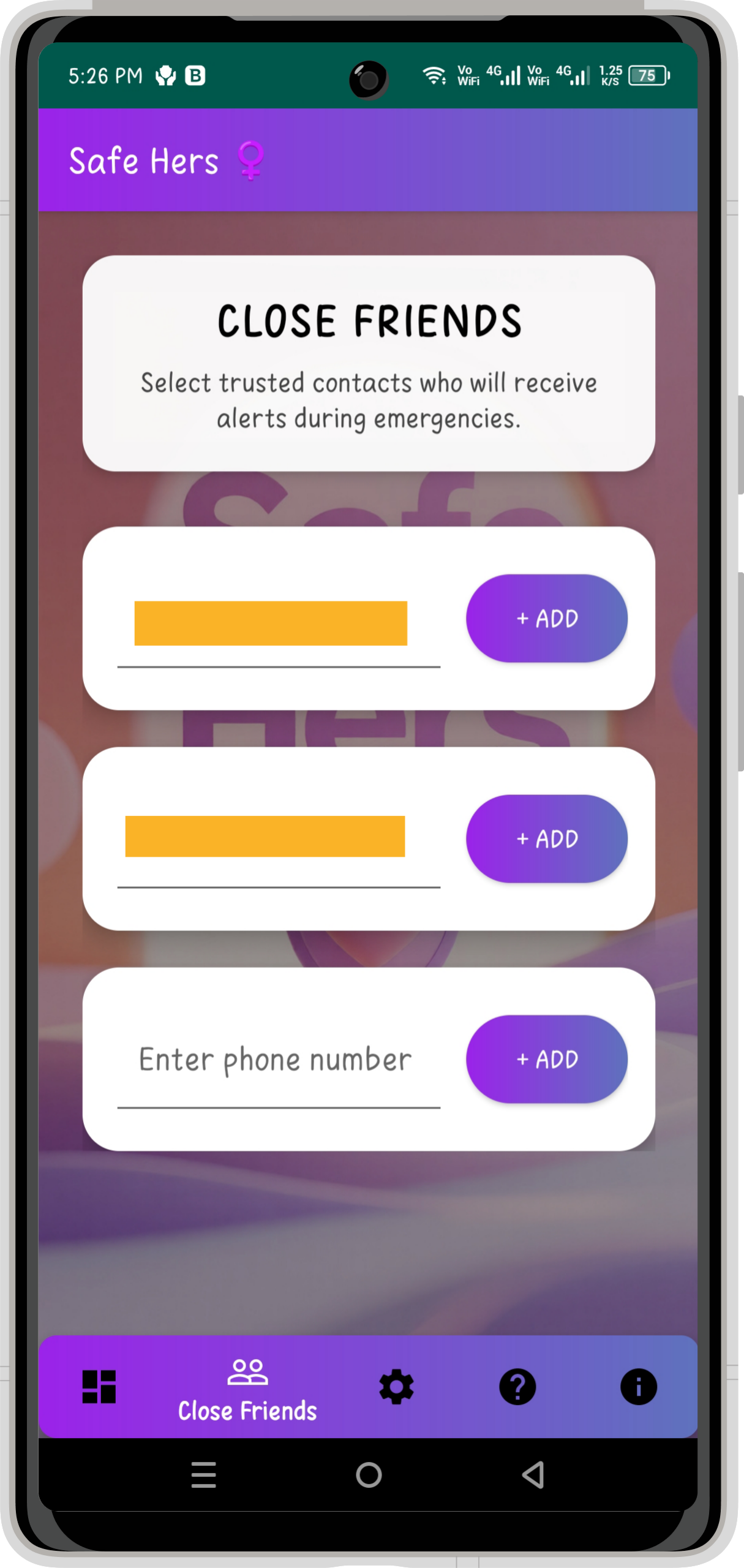
2. 👥 Close Friends:

The Close Friends module allows users to maintain a small list of trusted people who can be contacted during emergency situations.

Key capabilities:
  • Add trusted emergency contacts.
  • Store selected contacts within the application.
  • Send emergency alerts to chosen individuals.
  • Keep important contacts readily available for urgent situations.

Safe Hers supports up to three trusted contacts through this module.


3. 📍 Location Sharing:

  • Location sharing is one of the application’s core safety capabilities.
  • When an emergency alert is triggered, Safe Hers can share the user’s location with selected trusted contacts, helping them understand where assistance may be required.
  • The project integrates Android location functionality as part of its emergency assistance workflow.


4. 🔋 Battery Alert:

Safe Hers includes a battery-based safety mechanism.

Users can configure a battery threshold, and when the device battery falls below the defined level, the application can trigger a safety alert.

Why it is useful:
  • Helps maintain communication awareness during low-battery situations.
  • Can alert selected contacts before the device becomes unavailable.
  • Adds an additional automated safety mechanism to the application.


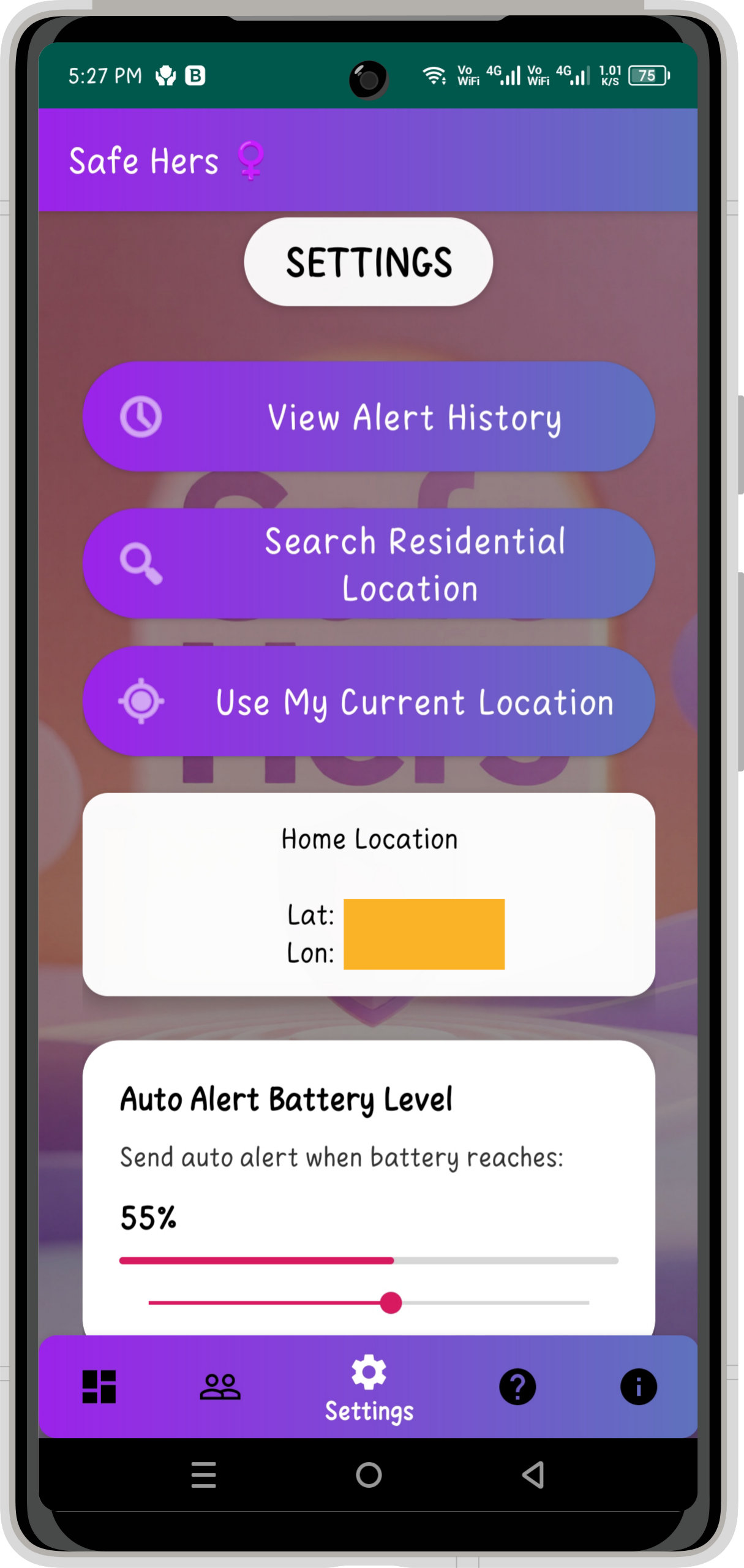
5. ⚙️ Settings & Personalization:

The Settings section provides important configuration options for the application.

Users can manage:
  • 🏠 Home Location
  • 🔋 Battery Alert Trigger
  • 🔔 Notification Controls

These settings allow the application’s safety behavior to be configured according to the user’s requirements.


6. 📞 Emergency Dial:

Safe Hers provides quick access to essential emergency services.

Users can access emergency calling options for:
  • 👮 Police
  • 🚑 Ambulance
  • 🚒 Fire Services

The Emergency Dial is designed to reduce the number of steps required to reach an emergency service.


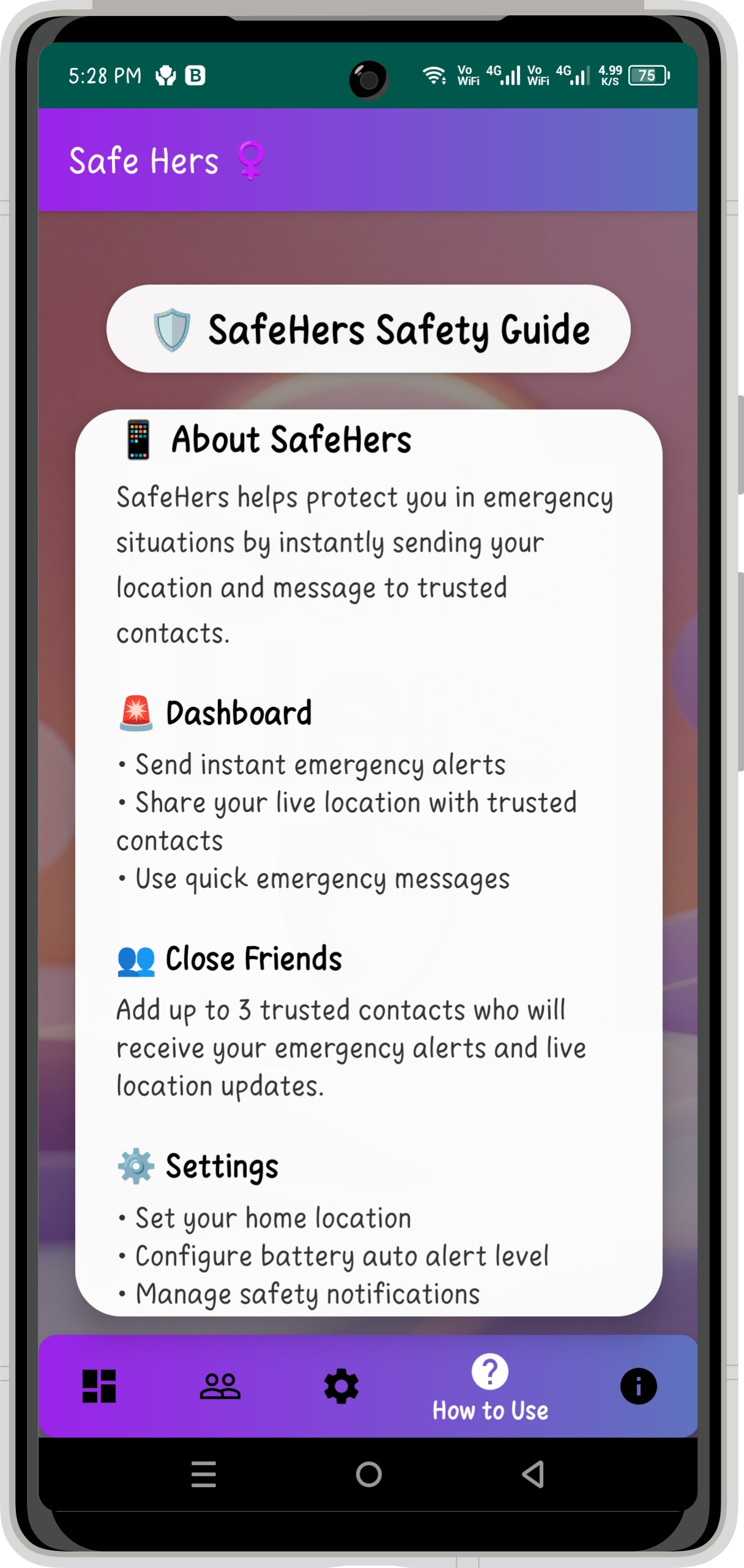
7. 📘 Safety Guide:

The application includes a dedicated Safety Guide to help users understand the available features and safety functions.

The guide uses a structured, scrollable interface with clear sections so that users can learn how the application works without navigating through complicated screens.

Benefits:
  • Helps first-time users understand the application.
  • Provides guidance about available safety functions.
  • Makes the application easier to use.
  • Reduces confusion when exploring the app.


🛠️TOOLS & TECH STACK:

  • Programming Language: Java
  • UI & Design: XML layouts with Material Design components
  • Development Platform: Android Studio & Android SDK
  • Location Services: Google Maps & Places APIs with Android GPS integration
  • Local Data: SQLite & SharedPreferences
  • Communication: Android SMS & notification features
  • Navigation: Activities, Intents & Bottom Navigation
🗄️DATABASE:

  • Local Storage: SQLite database for storing application data locally on the device.
  • Preferences: SharedPreferences for managing lightweight settings and configuration values.
  • Backend: No external server-side backend is required in the current version.
  • Data Approach: Core application data and settings are handled locally within the Android application.


🔖USES OF THIS APP:

  • ✅ Emergency Assistance: Quickly trigger safety alerts when immediate help is needed.
  • ✅ Trusted Contacts: Keep selected close contacts ready for emergency communication.
  • ✅ Location Sharing: Share the user’s location with trusted contacts during an alert.
  • ✅ Emergency Services: Provide quick access to Police, Ambulance, and Fire services.
  • ✅ Low-Battery Safety: Trigger a safety alert when the device battery reaches the configured level.
  • ✅ Safety Guidance: Help users understand and make better use of the app’s safety features.

📲INSTALLATION & DEMO:

Get started with Safe Hers by downloading and extracting the project ZIP, opening it in Android Studio, and syncing the required Gradle dependencies. Set up an Android Emulator or connect a physical device with USB Debugging enabled, then follow our step-by-step installation and project demonstration video below to build, run, and explore the app’s emergency dashboard and safety features.

📝MINIMUM REQUIREMENTS:

🖥️System Requirements:

    • Operating System: Windows 10 (64-bit) or later, macOS, or a modern Linux distribution.
    • Processor: Intel Core i3 / AMD Ryzen 3 or equivalent (Intel Core i5 / Ryzen 5 or higher recommended for smooth Android emulation).
    • RAM: Minimum 8 GB (16 GB or higher recommended when using an Android Emulator).
    • Storage: At least 10 GB of free disk space for Android Studio, Android SDK, Gradle dependencies, and project files.
    • Internet Connection: Required for the initial setup, Gradle dependency downloads, Google services configuration, and project synchronization.


🔦Software Requirements:

  • Android Studio: Ladybug | 2024.2.1 Patch 1 or a compatible later version.
  • Java Development Kit (JDK): JDK 17 or later; Safe Hers was successfully built and tested using the Android Studio bundled OpenJDK 21.0.3.
  • Gradle Version: Gradle 8.5 and Gradle Plugin 8.1.2
  • Android SDK: SDK 34 with Android 5.0 (API 21) or higher supported.
  • Build Tools: Android SDK Build Tools 34.0.0.
  • Google Services: Required Google Maps/Places configuration and location dependencies must be configured before testing location-based features.


🪧CONCLUSION:

Safe Hers – Women Safety App is a practical Android mini project developed by Genie Projects World, making it a suitable project for students to explore real-world application development. The project combines emergency alerts, trusted contacts, location sharing, battery alerts, emergency services, and safety guidance while giving students hands-on experience with Java, XML, Android SDK, local data storage, location services, and Google APIs. It can serve as a useful foundation for college project demonstrations, academic learning, Android development practice and further feature enhancements.

🎉SOURCE CODE:

Get the complete Safe Hers Android project source code and explore its features, structure, and implementation while learning through hands-on Android development.

🤩Other Projects You May Like:

Love building Android apps? Check out more beginner-friendly mobile and web projects with free source codes and reports — only at Genie Projects World, where learning meets creativity!

💬 We’d Love Your Feedback!

Have questions about this project? 🤔 Want to share your thoughts or need help with customization? Drop your comments below – we’re here to help! 💡

Share Your Feedback

Your email address will not be published. Required fields are marked *