Learn how to create an Online Food Ordering System with our easy guide and complete source code. This project lets users order food online, manage menus, and handle payments. Download the source code and follow our step-by-step instructions to set up your own food ordering system.
June 27, 2026
GPW Team
PHP Projects
PREMIUM PROJECT
🍜Food Picky -Online Food Ordering System
🗓️ Project Added: October 26, 2023
🔄 Last Updated: June 27, 2026
🎀Category: Premium Project
📑Report Available: Yes
ABOUT PROJECT:
📍Project Summary:
This project is designed to provide users to order foods thru online in easy way. Moving on, this Online Food Ordering System Project in PHP focuses mainly on ordering food and managing food items. Also, the system displays all the lists of available dish categories. In addition, the system allows managing food items too. This project is divided into two categories: Admin and User-Side. Here the users can register freely, order the foods they wish from the wide varieties of restaurants, view their order status and get delivered. In this system, the Admin has the most privileges. The Admin can able to add/edit/view/delete users, add/edit/view/delete restaurants, add/edit/view/delete categories, add/edit/view/delete menus and edit/view all users orders thru Admin Panel.
📜 Credits & Licensing:
Credits are given to the original concept creator.
This version is a derivative work adapted for academic learning purposes.
📸Project Screenshots:
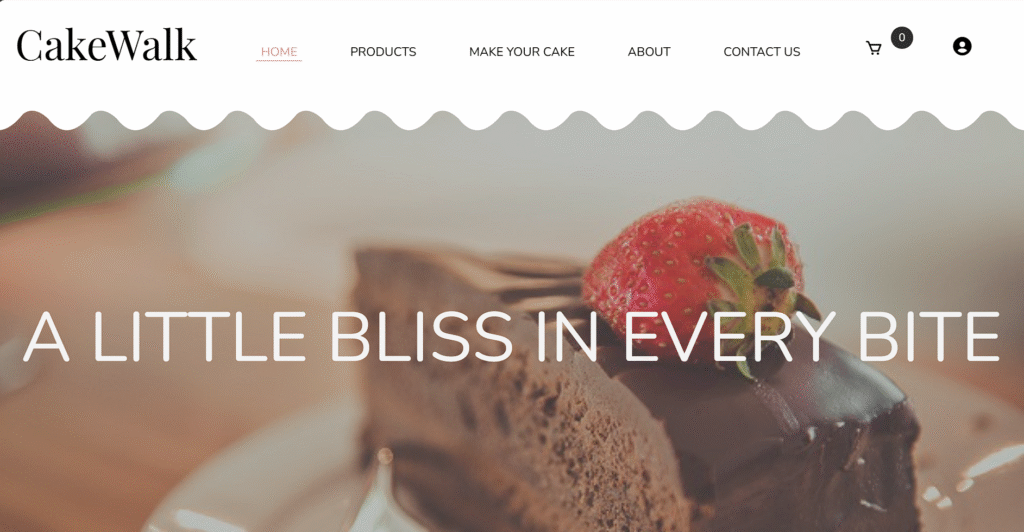
1. Cake Walk - Online Cake Shop System - Homepage
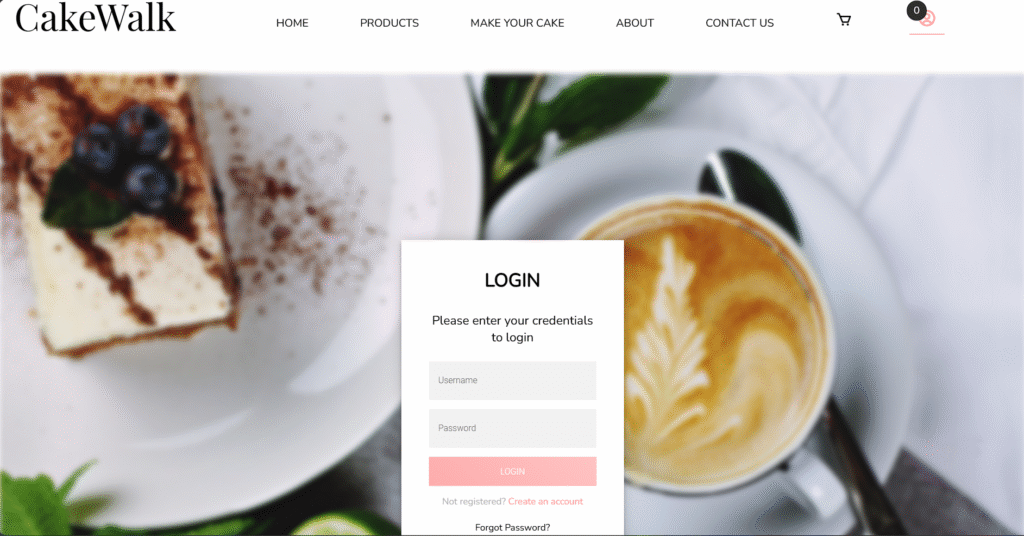
2. Cake Walk - Online Cake Shop System - Login Page
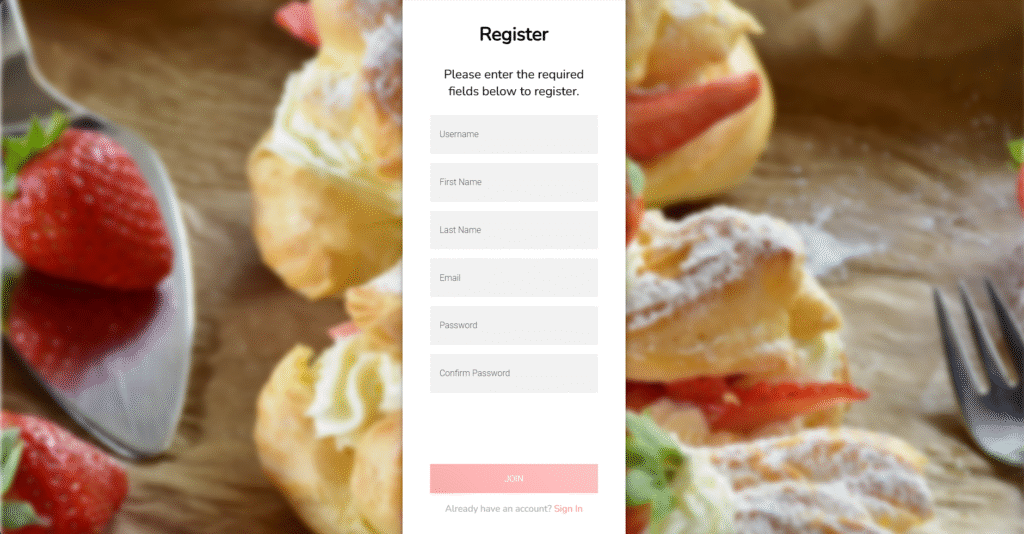
3. Cake Walk - Online Cake Shop System - Registration Page
4. Cake Walk - Online Cake Shop System - About Us Page
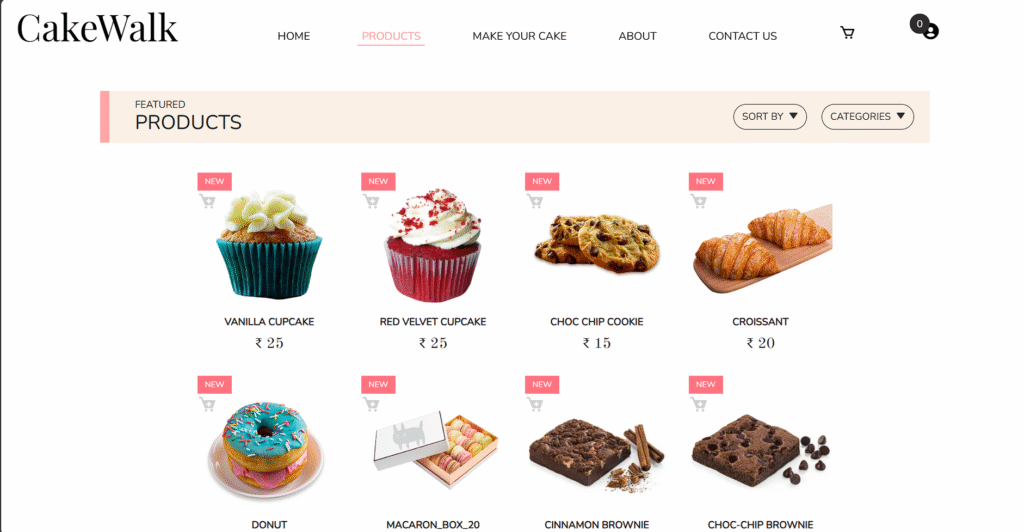
5. Cake Walk - Online Cake Shop System - Products Page
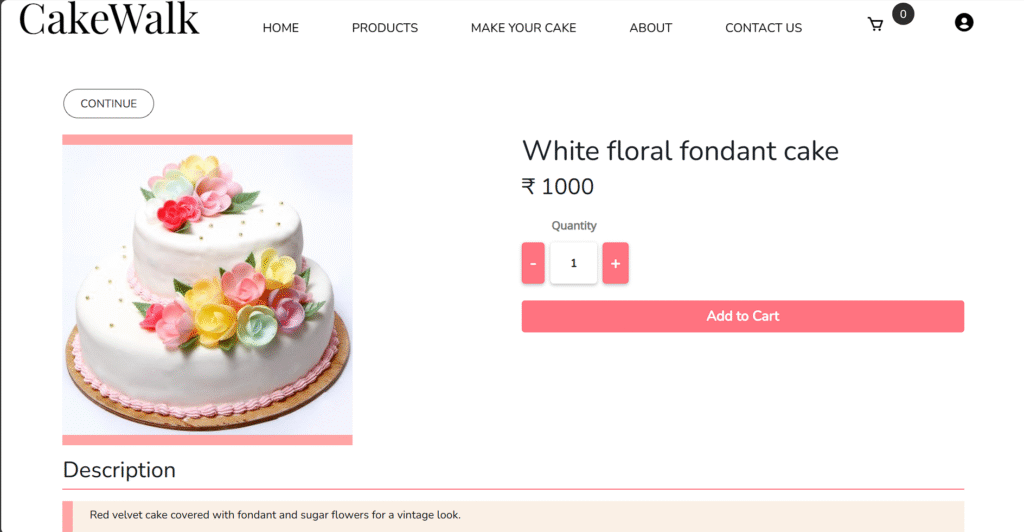
6. Cake Walk - Online Cake Shop System - Product Description Page
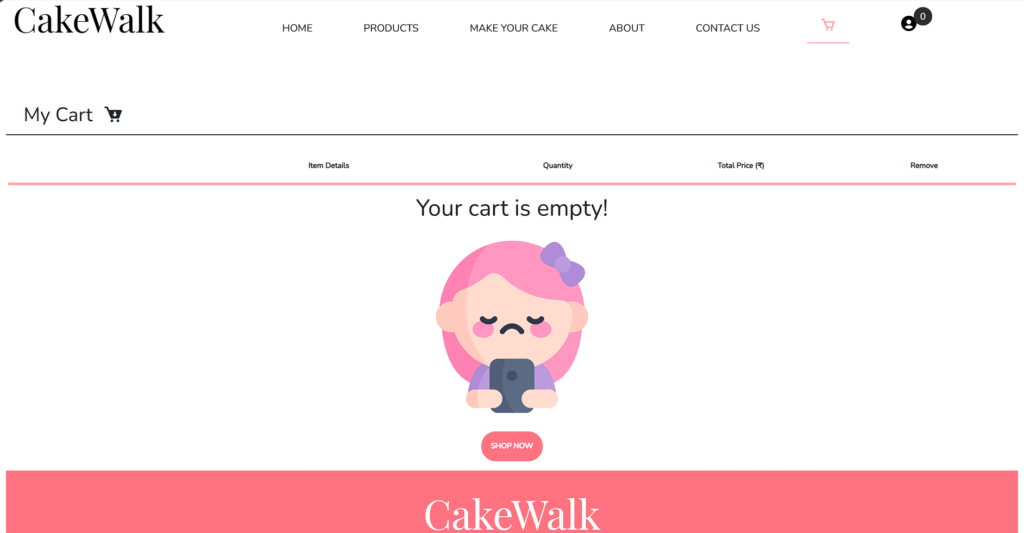
7. Cake Walk - Online Cake Shop System - Empty Cart Page
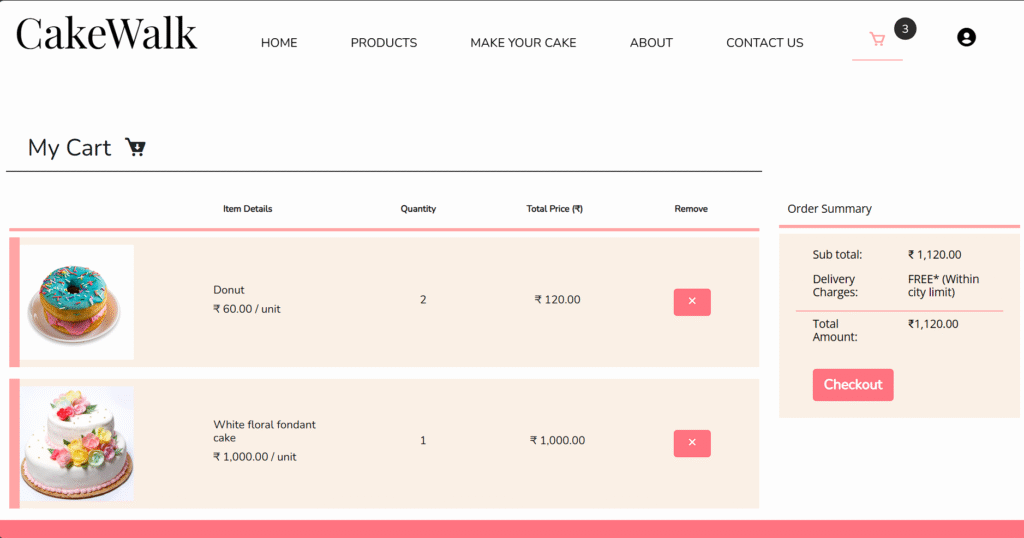
8. Cake Walk - Online Cake Shop System - My Cart Page
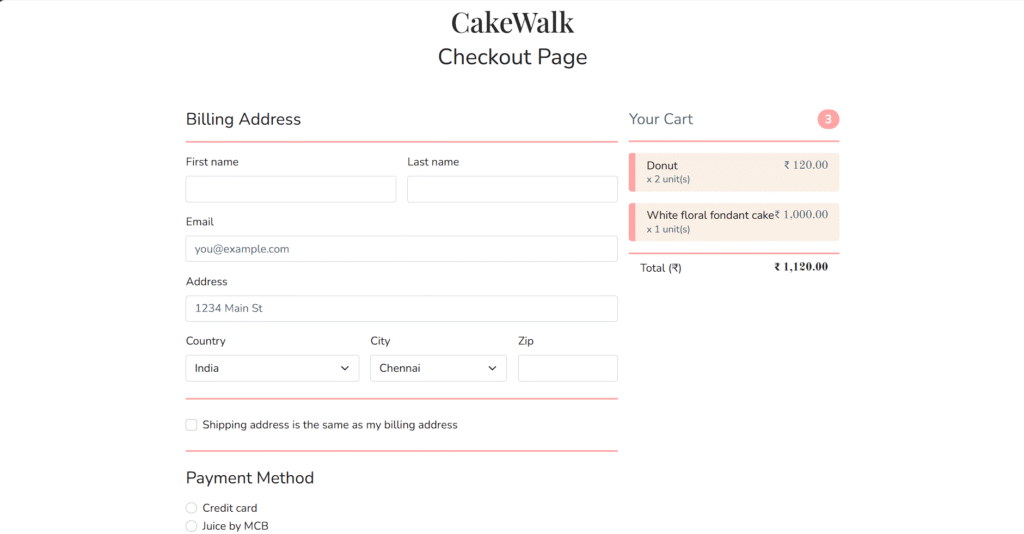
9. Cake Walk - Online Cake Shop System - Checkout Page
10. Cake Walk - Online Cake Shop System - Order Confirmation Page
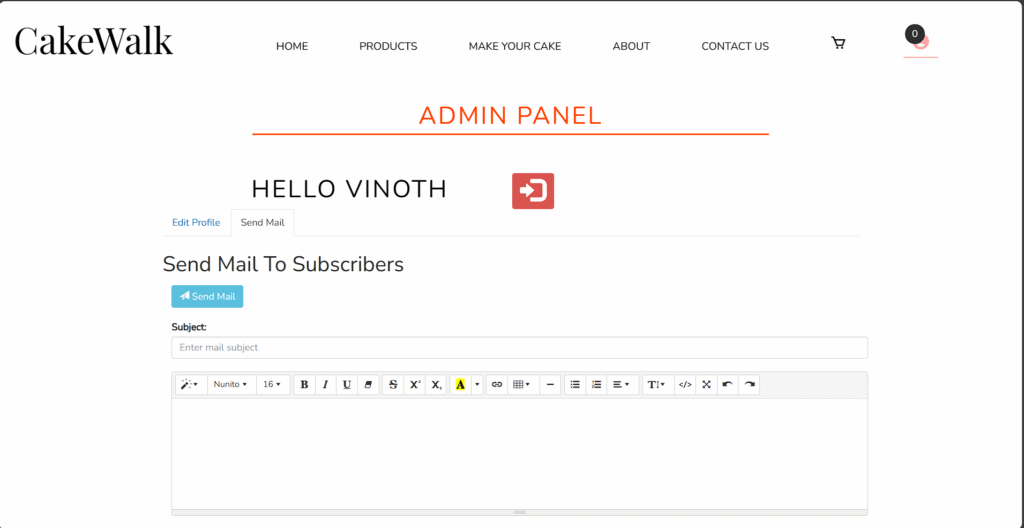
11. Cake Walk - Online Cake Shop System - Admin Panel Page
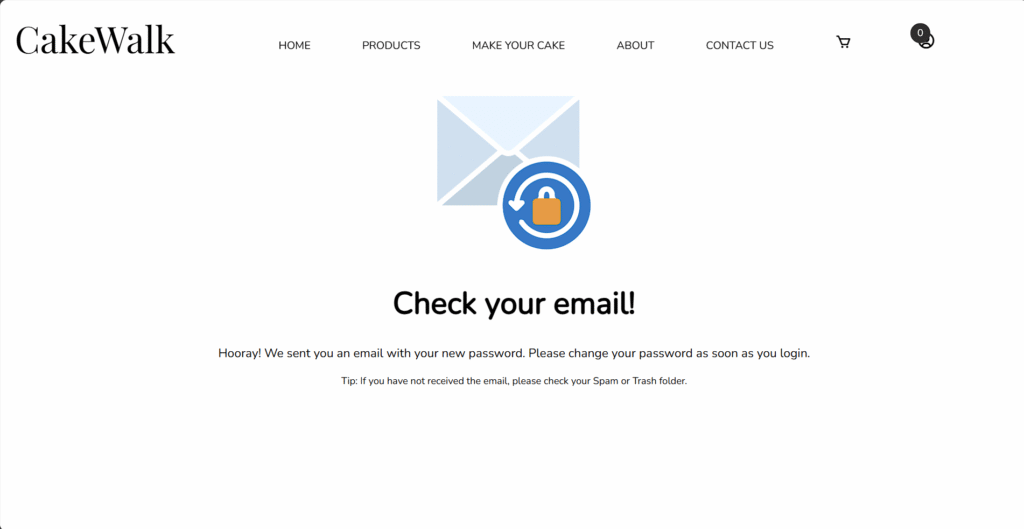
12. Cake Walk - Online Cake Shop System - Forgot Password Page
📒INTRODUCTION:
The Online Food Ordering System is a web-based application that allows users to browse menus, place orders, and make payments online. This system provides a convenient way for users to order food from restaurants without having to visit them physically. The system is built using PHP as the server-side scripting language and MySQL as the database management system.
🛠️ Technologies Used:
PHP: Server-side scripting language for building the application logic.
MySQL: Database management system for storing product, order, customer, and delivery data.
HTML/CSS: Front-end technologies for designing the user interface.
JavaScript: Client-side scripting language for interactive elements.
Bootstrap: Front-end framework for responsive design.
🎯 Key Features of the Food Picky – Online Food Ordering System:
User Registration and Login: Users can create accounts and login to the system to place orders.
Restaurant Listings: Users can browse through a list of restaurants and view their menus.
Menu Display: Restaurants can display their menus with item details and prices.
Order Placement: Users can select items from the menu, specify quantity, and add them to the cart.
Cart Management: Users can view and modify items in their cart before placing the order.
Order Confirmation: Users can confirm their orders and make payments online.
Order Tracking: Users can track the status of their orders, from preparation to delivery.
Rating and Reviews: Users can rate restaurants and leave reviews based on their experience.
Admin Panel: Admins can manage restaurants, menus, orders, and users through an intuitive dashboard.
🏗️ System Architecture Overview:
The system follows a client-server architecture, where the client (user) interacts with the server (application) through a web browser. The server processes user requests, retrieves data from the database, and sends responses back to the client. The database stores user information, restaurant details, menu items, and order data.
🛠️IMPLEMENTATION:
The system is implemented using PHP for the backend logic and MySQL for the database. The frontend is designed using HTML, CSS, and JavaScript, with Bootstrap for responsive design. AJAX is used for making asynchronous requests to the server, enabling a smoother user experience.
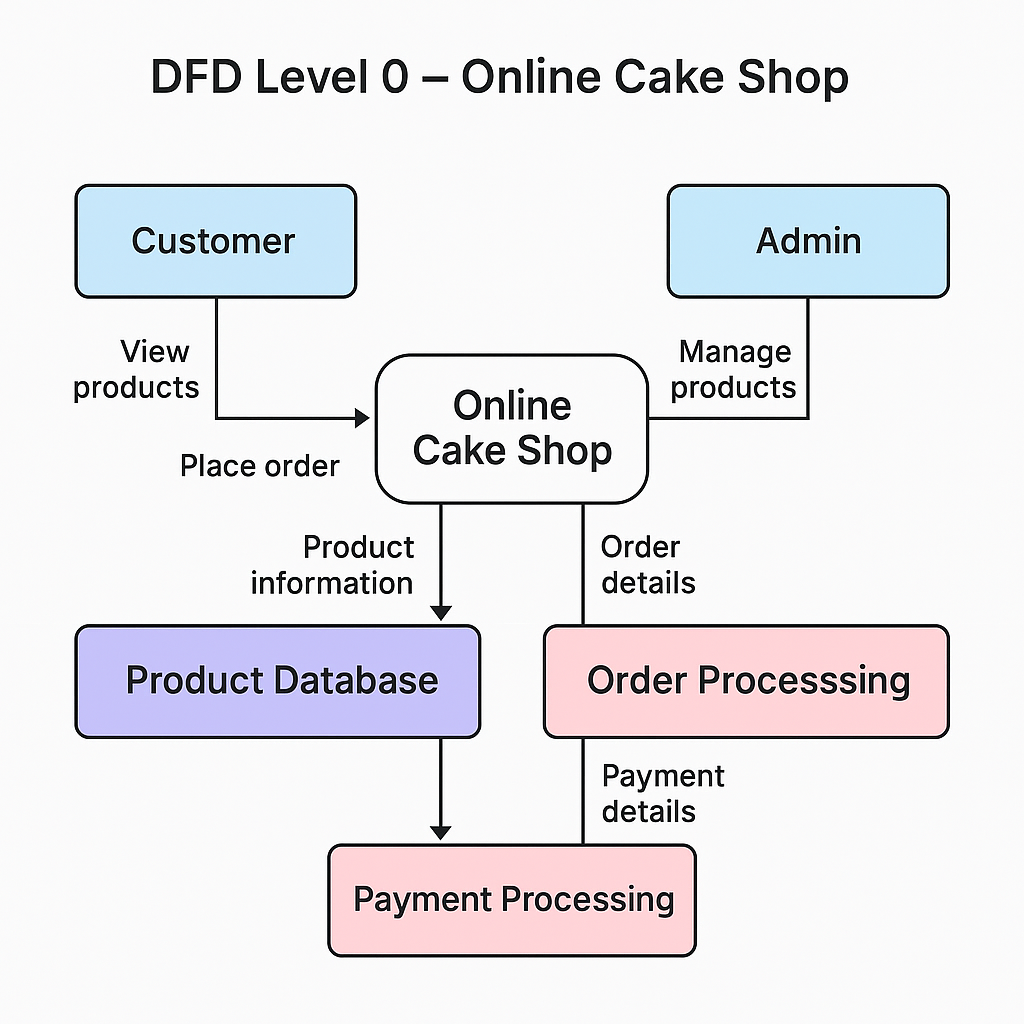
Online Cake Shop - DFD Diagram Level 0
🔄 DFD Level 0 – Understanding the Workflow
The Level 0 Data Flow Diagram (DFD) offers a top-level view of how the system operates. It shows the flow of information between the two main users (Customer & Admin) and system components:
🧁 What the DFD Represents:
Customers register, log in, and place cake orders through the frontend interface
Product data is fetched from the Cake Database and displayed dynamically
The Order Processing Module handles cart management, delivery selection, and final order placement
Payment/Confirmation Layer simulates checkout and confirms order entries
Admins log in to manage cake listings, view all orders, and send email updates to customers
All user activities are recorded securely and updated in the database in real time.
📽️INSTALLATION & DEMO:
Not sure how to get started? Don’t worry – we’ve got you covered! Watch this below step-by-step Installation & Demo Video to see exactly how to set up and run the Food Picky – Online Food Ordering System project on your system. From setting up the database to navigating the admin panel – this video walks you through everything clearly so you can follow along with confidence.
📒Setup Instructions:
Download the project zip file from below download option.
Extract the file and copy “Foodpicky” folder.
Paste it inside root directory(for xampp xampp/htdocs, for wamp wamp/www, for lamp var/www/html).
The Online Food Ordering System in PHP provides a convenient and efficient way for users to order food online from their favorite restaurants. With features such as user registration, restaurant listings, menu display, order placement, and order tracking, the system offers a seamless ordering experience. The system is easy to use, scalable, and can be customized to meet the specific needs of different restaurants and users. Overall, the system enhances the food ordering process, making it more convenient and enjoyable for users.
📬SOURCE CODE:
🚀 Ready to Build? Grab the complete source code + project report and bring your ideas to life! 💻✨ Your support keeps us going and helps us bring more amazing student-friendly projects your way! 🙌🩷
⚠️Important:Please report us immediately, if you found any link is broken or unable to access.
🪄 Note about Genie Enhanced Edition:
This project is offered as a Premium Enhanced Edition by Genie Projects World. While the original concept may be inspired by publicly available open-source work, this edition has been refined, upgraded, and maintained by our development team for academic learning and demonstration purposes only.
✅ Fixes & Improvements:
🐞 Fixed existing bugs for smoother operation.
🎨 Modernized UI/UX for better usability.
🗄️ Optimized database structure for stability and performance.
✨ Added new features to extend project scope.
🎗️ This Genie Enhanced Edition is sold for a fair price to support ongoing maintenance, feature upgrades, and community resource building. "All credits are duly given to the original concept creators wherever applicable".
📖PROJECT REPORT:
Need a quick guide to understand how this project works? This handy project report gives you a walk-through of key features, flow, and setup — perfect for submissions or own reference.
🤩You Might Also Like:
Looking for more PHP-based or academic projects to explore? Check out these related gems:
Whether it’s a question, a helpful tip or just a shoutout – drop your thoughts in the comments below. Your feedback helps us improve, support fellow students and create even better content. And hey, don’t forget to rate our work too – it really motivates us to keep crafting awesome projects just for you! ❤️
Genie Projects World helps students explore ready-to-run academic projects with full source code and tutorials.